
Peak Meter (PPM): Measuring and correctly interpreting peak levels
How a peak meter works
A digital peak meter first reads the maximum values of the individual samples and then displays them on the dBFSThe scale represents the level of distortion – this scale usually ranges from -60 to 0 dB. The upper limit is full output; anything above that is cut off by the system – this results in... ClippingTo allow the eye to follow the extremely short peak levels, the display rises virtually without delay and falls again more slowly; a peak-hold function additionally freezes the highest peak value. This display is ultimately crucial for tracking, mixing, and... mastering about how much headroom still lies between signal and digital ceiling.
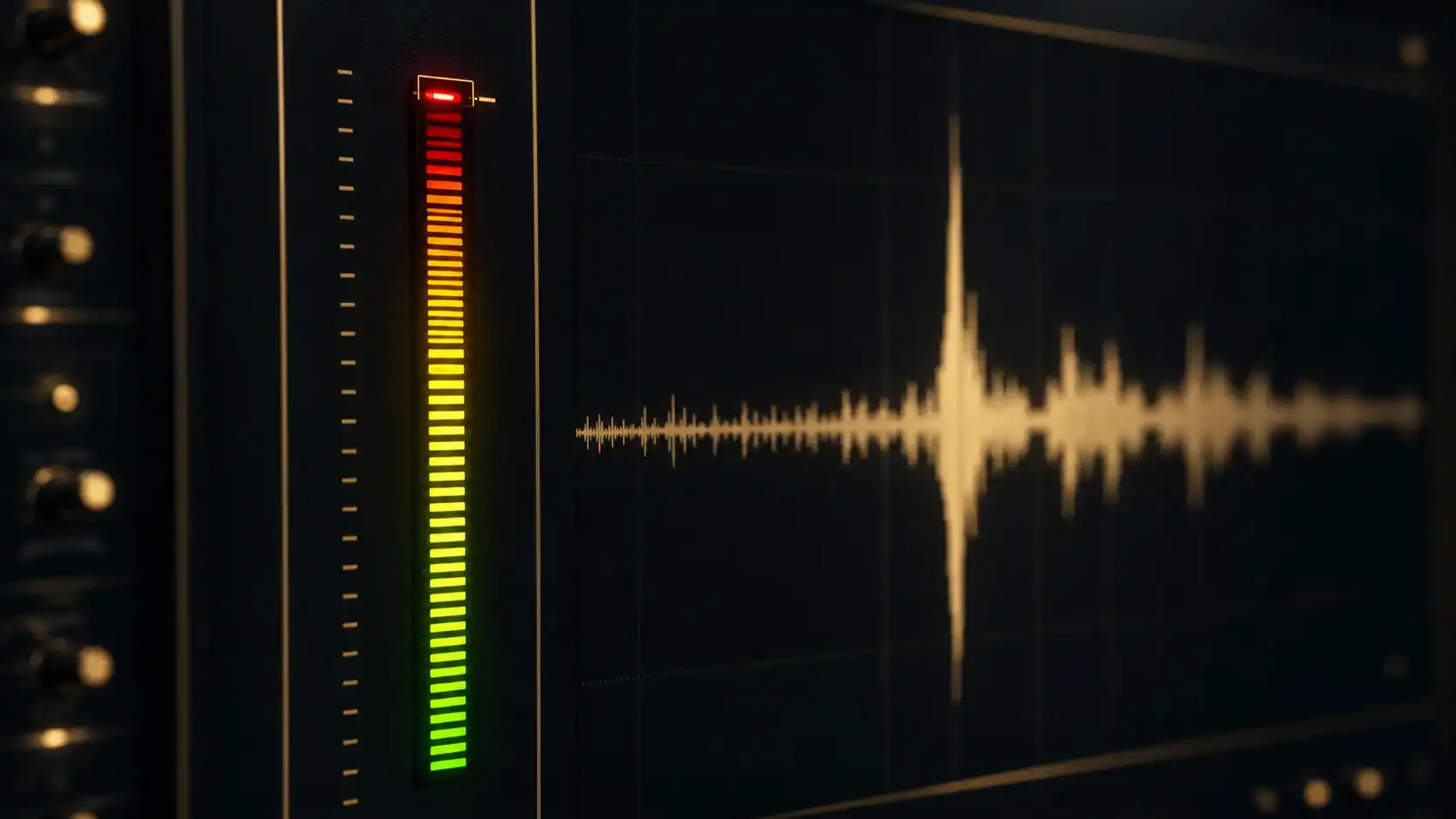
PPM: the Peak Programme Meter from broadcasting
The term PPM originates from broadcasting technology: Classic Peak Programme Meters according to DIN 45406 or IEC 60268-10 are Near-peak value displays (QPPM) with an integration time of approximately 10 milliseconds (guideline value) – the analog forerunners of digital peak level measurement. These analog devices – originally pointer instruments and light pointers in broadcast mixing consoles – exhibit extremely short transients The gain was therefore slightly too low; this was intentional in broadcasting because ultra-short peak levels barely caused audible distortion of the analog signal. An overview of designs and standards can be found, for example, in the Wikipedia article on [topic missing]. Level meter. Software meters in the DAW, on the other hand, no longer have this inertia: As sample peak displays, they capture every single sample value – digitally and without delay.
The limit of the peak meter: Intersample peaks
However, even a sample-accurate display doesn't see everything: Between two samples, the reconstructed analog signal can oscillate at a higher frequency than both sample values would suggest. Intersample peaks This occurs primarily with loud, dense masters; only a True PeakThe dBmeter detects this because it samples the audio material via oversampling between samples. Therefore, for streaming masters, the true peak value (typical guideline: a maximum of -1 dBTP) is the relevant ceiling value – not the sample peak alone. You can measure whether your master is affected, for example, for free with our [tool/tool name]. Loudness meter in the browserWhile this glossary entry explains the measurement, the tool specifically shows you the True Peak and LUFS of your track.
Peak meter vs. VU meter vs. LUFS meter
| Meter | Shows | reaction time | Typical use |
|---|---|---|---|
| Peak meter (sample) | Peak levels in dBFS | Sample-accurate | Overdrive protection in the DAW |
| QPPM (Broadcast) | near-peak value | ~10 ms (approximate value) | Broadcast control |
| True Peak Meter | Intersample peaks in dBTP | Oversampling | Master ceiling, streaming |
| VU Meter | average level | ~300 ms | Loudness feeling, gain staging |
| LUFS meter | Loudness in LUFS | hearing-related integration | Streaming loudness, normalization |
The sluggish VU Meter It averages the level over approximately 300 ms, thus approximating the perceived loudness – it complements the peak level display but does not replace it; all details regarding the functionality and calibration of the analog devices can therefore be found in the linked glossary entry. The difference between the peak and average levels is also described in the Crest Factor – Transient-rich material shows a high reading on the display, even though it sounds quiet; however, you measure the actual loudness related to hearing in LUFS.
Proper control using the peak meter
When recording and mixing, the meter is your early warning system, because if you run peak levels just below 0 dBFS, you have no headroom for summing and processing. Recording peaks in the range of -12 to -6 dBFS (guideline) have proven effective – enough clearance from the digital ceiling, enough signal above the noise. Also, pay attention to the level of each individual track, not just the sum. Our article on [topic missing in original text] will then show you how to set levels effectively within your project. correctly adjusted volume.
Peak levels, loudness, and the finished master
A peak meter only answers the question "is it clipping?" – not "how loud does it sound?". For a release, however, both count: The Loudness normalization Streaming services evaluate your track based on loudness, and the platform codecs are sensitive to excessively high peak levels. In professional settings... online mastering Therefore, we ensure that peak levels, loudness and dynamics match – for audio material that works on any system and any platform.
FAQ – Frequently Asked Questions about the Peak Meter
What does a peak meter show?
The peak level of a signal – in the DAW, sample-accurately measured on the dBFS scale. It therefore serves as overload protection and shows how much headroom remains before reaching full digital modulation (0 dBFS). However, it says almost nothing about the perceived loudness.
What does PPM mean in audio engineering?
PPM stands for Peak Programme Meter – the classic peak level indicator used in broadcasting. Standard-compliant PPM meters are quasi-peak level displays with an integration time of approximately 10 ms (guideline value) and therefore tend to underestimate ultrashort transients.
What is the difference between a peak meter and a VU meter?
The peak meter reacts almost instantly to peak values (overload protection), while the VU meter averages slowly over approximately 300 ms, thus approximating perceived loudness. The widely used calibration convention 0 VU ≈ −18 dBFS (guideline) also serves as a bridge between these two approaches. Only together do both ultimately provide a complete picture of a signal.
Why is my master output clipping even though the peak meter remains below 0 dBFS?
This is likely due to intersample peaks, as the reconstructed signal can oscillate at a higher frequency between samples than the sample peak meter indicates. A true peak meter, on the other hand, makes these peaks visible – therefore, a true peak of no more than -1 dBTP is considered a common guideline for streaming masters.
What recording level should I set?
As a guideline: peaks around -12 to -6 dBFS. This leaves enough headroom for summing and processing while keeping the signal well above the noise floor. Continuously recording at just below 0 dBFS, on the other hand, is risky and offers no sonic benefit.
Does a peak meter measure loudness?
No, because loudness is measured perceptibly in LUFS – that's what LUFS meters are for. Two signals with identical peak levels can still differ drastically in perceived loudness.