
Loudness normalization: How streaming services adjust the volume of your song
How loudness normalization works
During the upload process, the streaming platform first analyzes the integrated loudness of the entire audio file. LUFS —that is, the average loudness over the entire length, not the peak level. If the value is above the service's target level, the platform reduces the song's playback volume by the difference: A master with -8 LUFS will therefore play back approximately 6 dB quieter if the target is -14 LUFS. This is precisely why loudness planning is now a professional part of production. mastering – it's not the loudest export that wins, but the song that sounds best after the volume reduction.
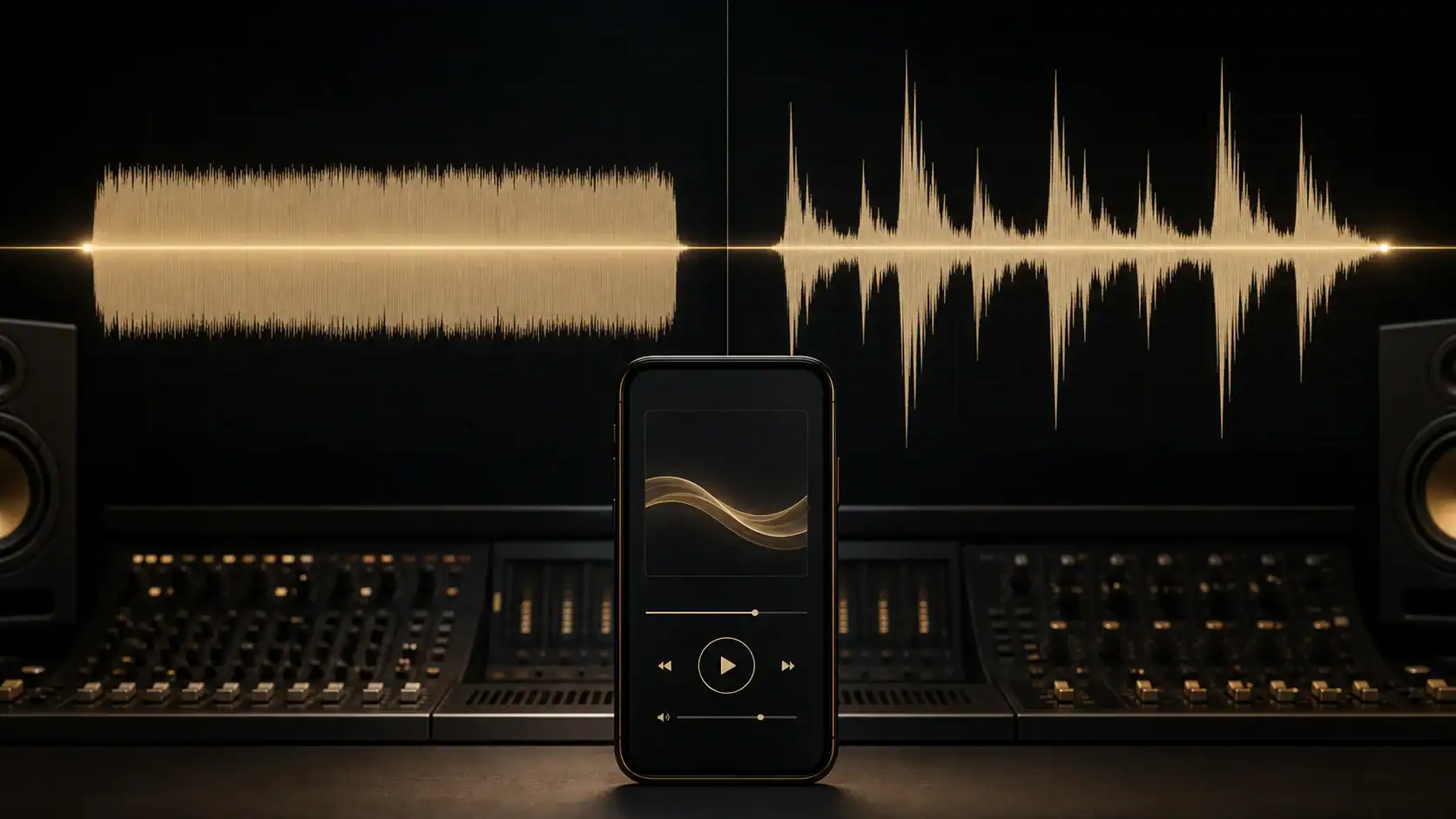
Lowering vs. raising: not every platform can do both.
Virtually all services perform turn-down – it's lossless because the service only reduces the playback gain; the audio signal itself remains unchanged. However, the platforms handle turn-up of quieter tracks differently: some don't turn it up at all, or only to a limited extent, to avoid any unwanted noise. Clipping to risk it, others allow it in certain modes Limiter to follow along. The official guidelines, for example, describe how the market leader regulates this. Spotify documentation for artistsFurthermore, our article shows Spotify deactivates their limiter, explains how the service previously handled this issue – and why the increase is hardly noticeable on YouTube Music. YouTube Music normalizes loudness.
Guidelines of the streaming platforms (as of June 2026)
The following loudness normalization target values are guidelines only and are not guaranteed, as platforms regularly change their specifications without notice. Therefore, always refer to the current documentation of the respective streaming service.
| Platform | Target loudness (guideline value) | Peculiarity |
|---|---|---|
| Spotify | approx. -14 LUFS (standard) | User options “Quiet/Normal/Loud”; Album mode in album context |
| YouTube / YouTube Music | approx. -14 LUFS | lowers the volume, barely raises the volume of quiet tracks. |
| Apple Music (Sound Check) | approx. -16 LUFS | Sound Check can be switched off. |
| Amazon Music | approx. -14 LUFS | |
| Tidal | approx. -14 LUFS | Album Mode |
| Deezer | approx. -15 LUFS |
We also discussed the additional delivery specifications (format, sample rate, headroom) that the services expect in the article. Uploading to streaming services summarized.
Album normalization: the loudness gradient is preserved.
In track mode, loudness normalization adjusts each track individually to the target volume – a deliberately quiet intro would then be just as loud as the club track that follows. Album Mode Services like Spotify or Tidal therefore normalize to the loudness of the loudest track or the album average: The loudness differences between the songs, as intended by the artist, are preserved. For EPs and albums, it is therefore worthwhile to deliberately stagger the loudness of the individual songs in the master recording.
What this means for mastering
Loudness normalization has the loudness war Reduced, but not resolved: A heavily compressed master track may be turned down, but after the reduction it sounds flatter than a dynamic master track at the same playback volume. Dynamic Range and transients The original sound, however, wins in direct comparison after adjustment – the material sounds more open, punchier, and bigger. Besides LUFS, the following has also proven to be a key indicator for this relationship: PLR established. The peak level also remains important: Since streaming codecs can generate overshoot during decoding, you should also check the True Peak (usual guideline: maximum −1 dBTP) – not just the sample peak in the Peak meter, because in dBFS Measured ceiling values alone are not sufficient. Our article explains why a mix can still disappoint after adjustments and how to avoid this in practice. Why your mix sounds bad on streaming platforms.
Check the loudness yourself: our loudness meter in the browser
With our free Loudness meter You can analyze your audio directly in the browser: The tool measures integrated LUFS and True Peak and, as a special feature, shows you... how much the individual platforms would lower or raise your song – including a codec preview. While this glossary entry explains how normalization works, a loudness meter shows you exactly how your master will sound on Spotify, YouTube, and other platforms. And if you're unsure whether your mix is loudness- and streaming-friendly, our [guide/tool/etc.] will help you. online mastering The finished, platform-compatible result is provided.
FAQ – Frequently Asked Questions about Loudness Normalization
What does loudness normalization mean on Spotify?
Spotify measures the inherent loudness of your song in LUFS and adjusts it to an internal target level during playback (approximately -14 LUFS in the default setting). Louder masters are played back correspondingly quieter – thus negating the loudness advantage of an extremely loud master.
Does loudness normalization make my master volume quieter?
Only during playback: The audio file itself remains unchanged, as the service merely reduces the playback gain. Therefore, sound quality is not lost when the gain is reduced – only the loudness advantage over other songs is lost.
How many LUFS should I master to for streaming?
There is no mandatory value. The platform targets (approximately -14 to -16 LUFS) are playback references, not delivery specifications. Therefore, the best loudness setting is the one that sounds best for the genre and mix – many modern masters are louder and are intentionally attenuated. What's crucial is that the dynamics and true peak are correct.
Are quiet songs also made louder?
Depending on the service: all services lower the volume, while only some raise it, and even then, only to a limited extent. Spotify, for example, according to its own documentation, only raises quiet tracks as much as the song's true-peak headroom allows (with around 1 dB of reserve for the codecs) – a master with -20 LUFS and -5 dBTP thus ends up at about -16 LUFS instead of -14. YouTube, on the other hand, practically never raises quiet tracks – a master that's too quiet simply remains quiet there.
Can I turn off loudness normalization?
As a listener, yes, on some services (e.g., Sound Check on Apple Music, volume adjustment on Spotify). As an artist, however, no – you have no control over your audience's listening preferences. Your master track must therefore work in both cases.
What is the difference between normalization and compression?
Normalization only adjusts the playback volume of the entire song – the dynamics remain unaffected. Compression, on the other hand, alters the audio signal itself and reduces the dynamic range. The platform therefore only adjusts the perceived volume without performing any "mastering".