
VST plugin: what VST3, AU, AAX and CLAP mean
A VST plugin extends your DAW with effects or instruments. This article explains what the abbreviation stands for, how the VST3, AU, AAX, and CLAP formats differ, and what really matters in everyday studio work.
What is a VST plugin?
VST stands for Virtual Studio Technology. It refers to a programming interface that allows virtual effects units and instruments to run within music software. Steinberg developed it in 1996 for their sequencer program Cubase. A few years later, it became an industry standard. An overview of its development is also provided by... Wikipedia article on the history of the interface.
A plugin is therefore not a standalone program, but an extension for your DAW. Such tools are also part of our everyday work: In online mixing We work with both plugins and analog hardware.
How does a VST plugin work in a DAW?
The DAW is the host, the main program. It loads the plugin, sends it audio or MIDI, and receives the result. Basically, there are two types:
- Effects edit an existing signal – for example Equalizer, Compressor, reverb or , delay.
- Instruments (VSTi) In contrast, synthesizers or samplers can generate sound themselves from MIDI notes.
Because a VST plugin runs directly in the host, it's very efficient. However, this also has a downside: if a plugin crashes, it usually takes the DAW down with it. Multiple instances also consume processing power. You can find out what's important for your computer in the article about... PC configuration for audio applications.
VST plugin, AU, AAX and CLAP: a comparison of the formats
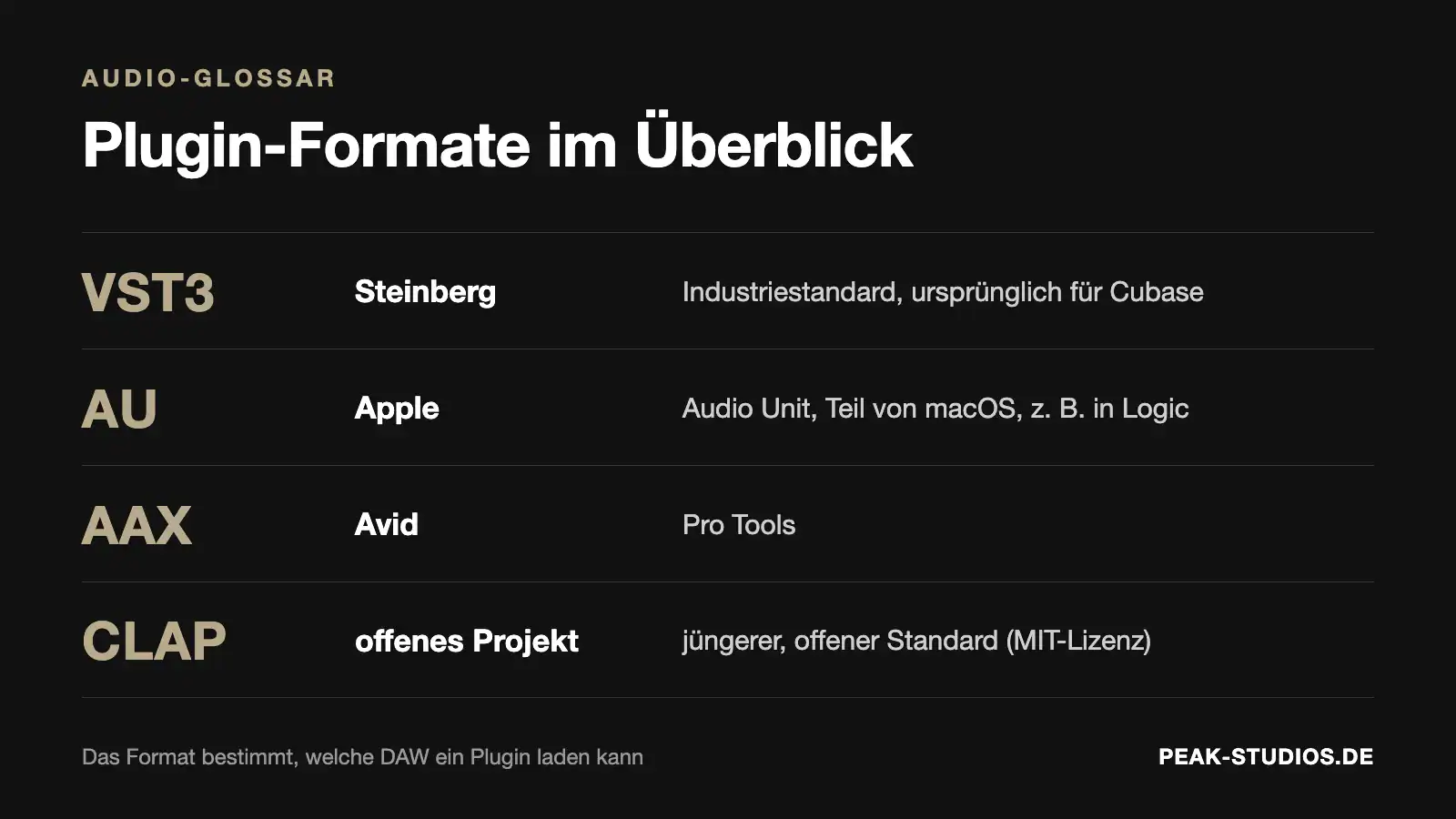
VST is not the only format. Which one you need depends primarily on your DAW and operating system:
| Format | From whom | Where it is at home |
|---|---|---|
| Vst3 | Steinberg | Industry standard, originally developed for Cubase |
| AU (Audio Unit) | Apple | Part of Core Audio in macOS, for example in Logic |
| Aax | Avid | Pro Tools |
| CLAP | open project | newer, open standard under MIT license |
Most manufacturers therefore deliver their plugins in several formats. The format only determines which DAW can load a plugin. It generally doesn't change the sound, as the underlying signal processing is the same.
VST2 or VST3: What is the difference?
VST3 is the third generation of the interface. Steinberg introduced it in 2008 and completely rewritten the codebase for it. In contrast, the developer package for its predecessor, VST2, has not been distributed since 2013, and Steinberg has not issued any new VST2 licenses since 2018. Therefore, a new VST plugin almost always appears in VST3 format today.
The license is also important for developers: The VST3 developer package is currently under the MIT license. This is shown by the License text on GitHubOlder VST2 plugins often continue to work in many projects. Therefore, anyone wanting to open old sessions should not uninstall them prematurely.
What matters when it comes to plugins in everyday studio use
The selection is vast, and therein lies the danger. What matters is not how many VST plugins you own, but whether you can hear what a signal needs. In our second podcast episode For this, we used the image of Hilti and a paintbrush: first listen, then choose the smallest intervention.
Three points are helpful in everyday use. First, it's worthwhile to really know a few tools well. Second, plugins with saturation or clipping overtones. That's why they play Oversampling and Aliasing a role. Thirdly, a plugin is no substitute for experience. Whether completely mixed in the computer will or with analog hardwareUltimately, the ear decides.
Build your own effects with AI
These days, you can even create simple effects without any programming knowledge. You describe the desired effect in words, and a service delivers a ready-made VST plugin. Our test shows how this works in practice and where the limitations lie. Create effects via text input.
These are distinct from plugins that themselves use artificial intelligence, for example for analysis or automatic settings. You can find an overview in the article about... AI tools in audio productionThe article also describes how effects can be controlled via a language model in the future. LLM2FX.
Conclusion: The format is technology, the sound is craftsmanship
A VST plugin is initially just an extension for your DAW. Whether it's VST3, AU, AAX, or CLAP – the format simply determines where a plugin runs. How good a song ultimately sounds, however, depends on how effectively the tools are used. Those who want to learn this therefore work in the... Teaching and coaching directly on your own project.
Get your song professionally mixed now
You have the plugins, but your mix still doesn't sound right?
👉 Request a mix analysis from Peak-Studios now!
You will then receive a report showing where your mix stands and what makes sense to do next.
FAQ – Frequently Asked Questions about VST Plugins
What does a VST plugin do in a DAW?
A VST plugin is a small add-on program for your DAW. It works either as an effect, for example as reverb, or as an instrument, such as a synthesizer.
How does a VST plugin in VST2 format differ from a VST3 plugin?
VST3 is the newer generation with a rewritten codebase. Steinberg has not issued any new licenses for VST2 since 2018, which is why new plugins are almost exclusively released as VST3.
Which format does my DAW need: VST plugin, AU or AAX?
It depends on the DAW. Cubase uses VST, Logic works with Audio Units, and Pro Tools with AAX. Many manufacturers therefore deliver their plugins in multiple formats.
Are there any good free VST plugins?
Yes. There are both free and paid plugins. The interface itself is also freely usable for developers, as the VST3 developer package is under the MIT license.
Can I build my own VST plugin, even without programming knowledge?
For simple effects, yes. Services now exist that can generate a finished plugin from a text description. However, complex tools still require knowledge of signal processing.