
Equalizer

An equalizer (EQ for short) is a tool in audio engineering used to selectively boost or cut specific frequency ranges of an audio signal. mixing In mastering, he shapes the sound of instruments, voices and entire mixes – both as a physical hardware device and as a plugin in the DAW.

What is a hardware equalizer?

A hardware equalizer is an audio engineering electronic device designed to boost or cut certain frequency ranges or frequencies in an audio signal. It is often used in recording studios (at Recording, mixing or masteringHardware equalizers are used to improve or alter the sound of music or other audio signals. They come in various forms and sizes, from small desktop models to large 19-inch rack units. They consist of a series of sliders, each representing a specific frequency range. By raising or lowering these sliders, you can change the sound of the audio signal within that frequency range. Q Factor A hardware equalizer can be used to adjust, add, or remove energy from a signal. It can be very useful when you want to improve or change the sound of an audio signal. For example, you can boost the treble for a crisp or clear sound, or boost the bass for a full, deep sound. It's also possible to attenuate certain frequencies to remove unwanted noise or other interference. Hardware equalizers are also commonly used in... Music Production used to adjust and change the sound of musical instruments or vocals. For example, you can boost the low end of a guitar recording to make the sound richer and fuller, or lower the high end of a vocal recording to make it less shrill. A hardware equalizer can also be useful to improve or adjust the sound image of speaker systems. By raising or lowering certain frequencies, the sound of the loudspeakers can be adapted to the room or personal taste. Overall, a hardware equalizer offers many options for improving or adjusting the sound of audio signals. It is a valuable tool for Sound Engineer, musicians and anyone who wants to change the sound of their audio recordings or playback.
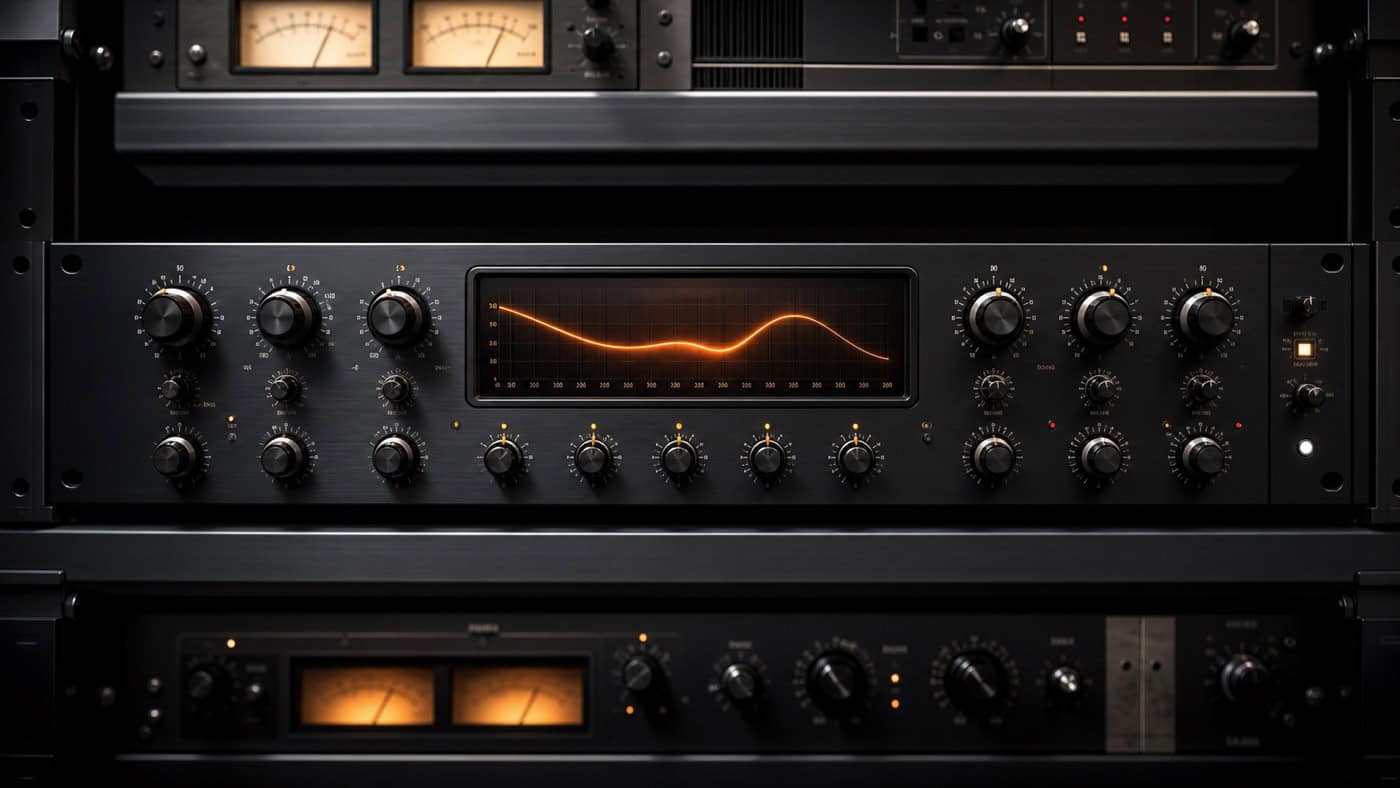
Parametric hardware equalizer with analog rotary controls and orange frequency curve display in a professional mastering rack.

Difference between hardware and software equalizer

A hardware equalizer can come in various shapes and sizes and consists of a series of controls or knobs, each representing a specific range of frequencies. Raising or lowering these controls can change the tone of the audio signal in that frequency range. A software equalizer, on the other hand, is an equalizer that runs as software on a computer or other electronic device. It is commonly used in audio editors, music players, or other audio software to enhance or adjust the sound quality of audio signals. The main difference between hardware and software equalizers is that hardware equalizers are actual electronic devices that process the audio signal directly while software equalizers are only implemented in software and process the audio signal on the computer. Another difference is that hardware equalizers tend to have a larger number of controls, each representing a specific frequency range, while software equalizers often have a limited number of controls. This means that hardware equalizers usually offer more flexibility and control, while software equalizers are easier to use and often have additional features like presets and automation. Overall, both hardware and software equalizers have their pros and cons. The choice of equalizer depends on individual needs and preferences.

Frequently asked questions about the equalizer

An equalizer divides the frequency spectrum into individual bands and boosts or cuts them. You select the range via the frequency, the gain value the intensity in decibels, and the Q factor determines how wide or narrow the effect is. This allows you to shape the sound precisely without having to re-record the entire signal.

The most common types of EQ you'll encounter are the parametric EQ (frequency, gain, and Q freely adjustable – the most flexible), the graphic EQ (fixed bands with controls), and shelving filters, which boost or cut everything above or below a cutoff frequency. In addition, there are high-pass and low-pass filters, which cut off ranges below or above a cutoff frequency, as well as the notch filter for selectively removing narrow frequencies. In mixing and mastering, the parametric EQ is the most important tool.

Take a subtractive approach: First remove unwanted frequencies instead of hastily boosting them – this usually sounds more natural. Work with only a few bands, as too many adjustments quickly lead to overcorrection. A proven trick is to run a narrow band with high gain through the signal to find problem frequencies and then selectively attenuate them.

Broadly speaking, the frequency spectrum is divided into bass (approx. 20–250 Hz), midrange (250 Hz–4 kHz), and treble (4–20 kHz). The bass provides the foundation, the midrange provides presence and intelligibility, and the treble provides airiness and brilliance. Which range is responsible for what depends on the instrument – ​​for vocals, for example, presence is around 3–5 kHz.

It depends on the goal. An EQ before the compressor influences what the compressor reacts to – useful, for example, for cutting too much bass before compression. An EQ after the compressor shapes the already compressed sound and is often the more predictable choice. In practice, both are combined: subtractive before, tone-shaping after.

The classic mistakes: boosting too much instead of selectively cutting, adjusting too many bands simultaneously, and making adjustments in a solo setting rather than within the overall context of the mix. Editing by eye on the screen instead of by ear is also misleading. Fewer, but more deliberate, adjustments usually sound more natural – we pay close attention to this during the final mastering.