
De-esser: Tame harsh s-sounds in vocals

A De-Esser A de-esser is a dynamic mixing tool that automatically reduces overemphasized sibilant sounds (s, z, and hiss) in vocal and speech recordings. Technically, it works as a frequency-selective compressor: it monitors the typical sibilant range between 5 and 8 kHz and only reduces the level when a harsh sound exceeds the threshold. The rest of the voice remains unaffected—unlike a static EQ cut, which would permanently attenuate the high frequencies. De-essers are typically placed after the compressor in the vocal chain and prevent harsh consonants from being distracting in the mix or causing digital clipping. There are two basic types: split-band and broadband de-essers.

Why sibilance becomes a problem in a mix

Sibilants occur with consonants like S, Z, T, and Sh – their energy is concentrated between approximately 4 and 10 kHz, depending on the voice and microphone, most frequently in the 5–8 kHz range. In raw recordings, however, they are often barely noticeable. They become problematic, however, due to typical vocal processing: A Compressor It highlights quiet passages and thus also brings the sibilant sounds to the forefront, a height-emphasized EQ For more "air," it amplifies precisely their frequency range, and saturation adds additional overtones. Close miking with sensitive condenser microphones also emphasizes sibilance.

The result: A voice that sounds good solo will therefore stand out unpleasantly in the finished mix with every "s" sound – especially on headphones and at high volumes. This is precisely where the de-esser comes into play.
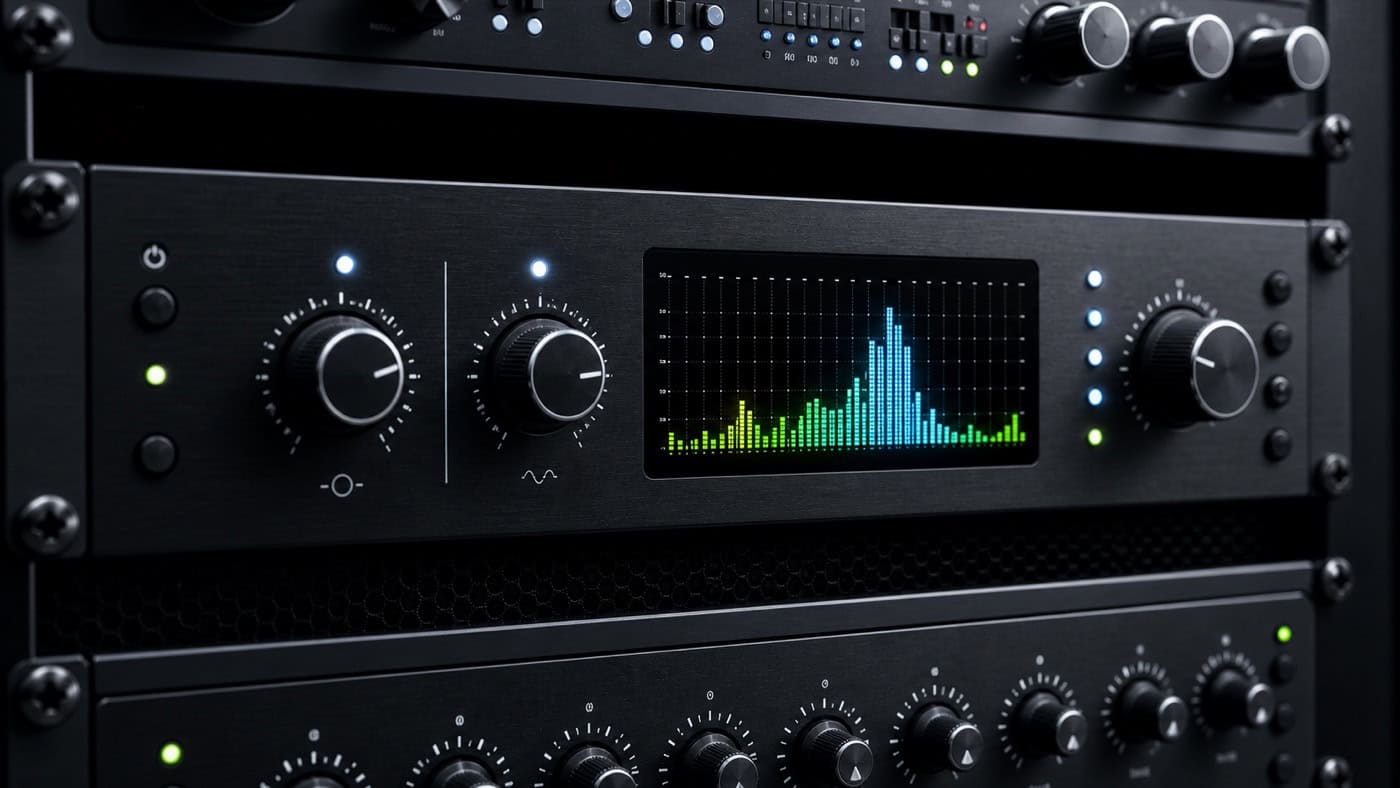
Hardware de-esser in the mastering rack with illuminated sibalance frequency LED meters in the 5–10 kHz range and threshold control.

Function: frequency-selective compression

At its core, a de-esser is a compressor whose detection mechanism doesn't react to the entire signal, but rather to a filtered frequency band. Here's how it works:

  1. Detection: A filter in Sidechain path It only allows the set sibilant range (for example, 6 kHz and above) to pass through for level measurement.
  2. Trigger: If the energy in this band exceeds the threshold, the level reduction takes effect – typically only for the few milliseconds of the s-sound.
  3. Lowering: Depending on the design, either the entire signal or only the affected band is then made quieter.

It is precisely on this last point that the two basic types differ.

Split-band vs. broadband

  • Broadband: If the detector detects an "S" sound, the processor briefly lowers the entire signal. With a moderate reduction, this sounds natural because the tonal balance of the voice is maintained – but with a strong reduction, the entire voice audibly "ducks."
  • Split-band: Here, the signal is split into two bands and only the sibilant range is attenuated – similar to a fast Multiband Compressor with a single active band. While this allows for stronger corrections, excessive attenuation can result in a lisping sound, as the s-sound lacks its natural sharpness.

Modern de-essers (and dynamic EQs that can perform the same task) therefore usually work in split-band mode with selectable bandwidth – a manufacturer-neutral overview is provided by the Glossary in Wikipedia.

Adjusting the de-esser: Four steps to the perfect result

  1. Find frequency: First, use the plugin's Listen/Solo function and sweep through the detector range until the sibilant sounds are most clearly isolated – usually between 5 and 8 kHz, and even higher for bright voices.
  2. Set threshold: Then lower the threshold so that only the harsh sounds trigger the reduction – not every bright syllable.
  3. Limit the lowering: A gain reduction of 3–6 dB is sufficient in most cases. More quickly sounds like a lisp; in that case, it's better to use a second, milder stage elsewhere in the signal chain.
  4. Check in the context of the mix: Furthermore, never judge the result solely on its own. An S that sounds prominent on its own might already fit perfectly in the finished arrangement.

Regarding its position in the chain: Typically, it's placed early in the vocal chain – before the heavily boosting EQ and before (or directly after) the compressor – so that subsequent stages don't further amplify sibilance. It's therefore worthwhile to compare both options.

When automatic is no longer sufficient

With highly sibilant recordings, every de-esser reaches its limits. In such cases, the following can help: manually reducing individual sibilant sounds using clip gain or volume automation (most precise, but more complex), using several milder de-essers instead of one aggressive one, or using a dynamic EQ with a narrow band. This also applies to... AI-generated voices Hard artifacts are common in the height range – because the tools remain the same.

And sometimes the sibilance is just a symptom: If all the vocal processing isn't working, it's worth getting an outside perspective. At Peak-Studios, you can have your Have the vocals mixed De-essing, compression and EQ tuning are part of every vocal mix there.

FAQ – Frequently Asked Questions about the De-Esser

It automatically reduces harsh s, z, and sibilant sounds in vocals – as a frequency-selective compressor that only reacts when a loud consonant occurs in the sibilant range (typically 5–8 kHz). The rest of the sound remains untouched.

Usually between 5 and 8 kHz – depending on the voice, also between 4 and 10 kHz. Use the Listen/Solo function to find the range where the sibilant sounds are most clearly isolated.

The usual placement is early in the signal chain – before the treble-boosting EQ and before or directly after the compressor – so that subsequent stages don't further amplify the sibilance. If in doubt, compare both positions.

A 3–6 dB reduction is usually sufficient. If the voice sounds lispy, the intervention is too strong – in that case, it's better to combine two milder instances or manually automate individual sibilant sounds.

An equalizer permanently reduces the frequency range, thereby also dampening the desired brilliance of the voice. A de-esser only intervenes during the milliseconds in which a harsh sound actually occurs.

Often, yes: AI-generated voices frequently exhibit harsh artifacts and overemphasized high frequencies. Therefore, de-essing and dynamic EQ are standard processing techniques for AI vocals as well.