Editing AI vocals: How to make AI voices sound more natural in the mix

Editing AI vocals means: modifying an AI voice—the AI ​​singing from Suno, Udio, or ElevenLabs—in such a way that the mischithat it sounds natural and vibrant. Typical problems include harsh highs, metallic sibilance, lack of breath, and the infamous "AI wobble." With EQWith de-esser, compression, saturation and some manual editing, you can get a mix-ready, professional sound out of an AI voice.

Contents of this article

Why AI vocals impress — and yet sound artificial

AI voices from tools like Suno, Udio, or ElevenLabs have become astonishingly good in a short time. They hit pitches cleanly, sound stylistically appropriate, and deliver a complete vocal track in seconds. Nevertheless, most listeners instinctively sense that something isn't quite right. The voice sounds both perfect and lifeless.

This isn't due to a single error, but rather a combination of minor flaws. AI vocals exhibit typical "tells": a digital wobble on long, sustained notes (often called "AI wobble"), stiff, breathless phrasing, and a metallic, almost crystalline sharpness on s and t sounds. Added to this are artificial-sounding vibrato, unnatural transients, and, above all, a lack of micro-dynamics.

Genuine sibilance varies from word to word. AI-generated sibilance, on the other hand, often sounds like it's been copied and pasted—always with the same harshness. It's precisely this uniformity that our ears recognize as "synthetic." The good news: almost all of these problems can be mitigated with classic mixing tools. Editing AI vocals is therefore less about magic and more about skillful technique. If you're also separating your tracks from Suno, our guide will help you with how to do this. How to properly mix Suno stems You can, as a sensible first step.

Formants, vibrato, and transients: the subtle AI artifacts

Before we get to the tools, it's worth understanding the three most subtle AI artifacts — because recognizing them is half the battle.

The first are formantsFormants are the fixed resonance ranges in vocal timbre that make a vowel recognizable as an "A" or "I" and shape its tone. AI generators sometimes shift these formants unnaturally—the voice then sounds hollow or strangely strained. A subtle formant shifter or a dynamic EQ in the 800 Hz to 3 kHz range can compensate for this. Too much correction quickly results in a "Mickey Mouse" sound.

The second one is the artificial vibratoA real singer modulates their pitch slightly irregularly; AI vibrato, on the other hand, is often mechanically uniform. It can be weakened or shifted at specific points using a pitch tool.

The third are unnatural transients — the brief attack phase at the beginning of a sound. With AI vocals, word beginnings sometimes sound too harsh or too blurry, especially with hard consonants like "T," "K," and "P." A transient designer deliberately smooths these attack phases. Together with the lack of micro-dynamics, these details are precisely what determines whether it "sounds human" or "sounds machine."

Step 1: EQ against harsh highs and resonances

When editing AI vocals, you first start with the EQBefore you make anything "prettier," you need to clean things up. AI vocals often have an overemphasized high-frequency range, which quickly becomes harsh and fatiguing in a full mix. A surgical equalizer is your most important tool here. Learn more in our tutorial: Adjust the EQ correctly.

Start with a low-cut filter: You can filter out everything below about 80 to 100 Hz for most AI voices without making the voice sound thin. Then, use a narrow bell filter to search for unwanted resonances. Typical problem areas are around 2 to 4 kHz (nasal, harsh) and around 6 to 9 kHz (glassy, ​​sharp). Briefly boost a narrow range sharply, sweep through the frequency until it sounds most unpleasant—and then cut it by 2 to 5 dB at that point.

Be careful with broad treble boosts: What adds "air" to a real voice often emphasizes the artifacts in an AI voice. Persistent Resonances, which overlap with other traces, are a case of Frequency masking — here it is worthwhile to match the vocal frequencies against the instrumental, instead of considering the voice in isolation.

Step 2: De-esser against artificial sibilants

When processing AI vocals, a de-esser is almost always essential—and you'll use it much more aggressively than with a human recording. At its core, a de-esser is a frequency-selective... Compressor, which only intervenes when the sharp S, Z, T and Sh sounds become too loud.
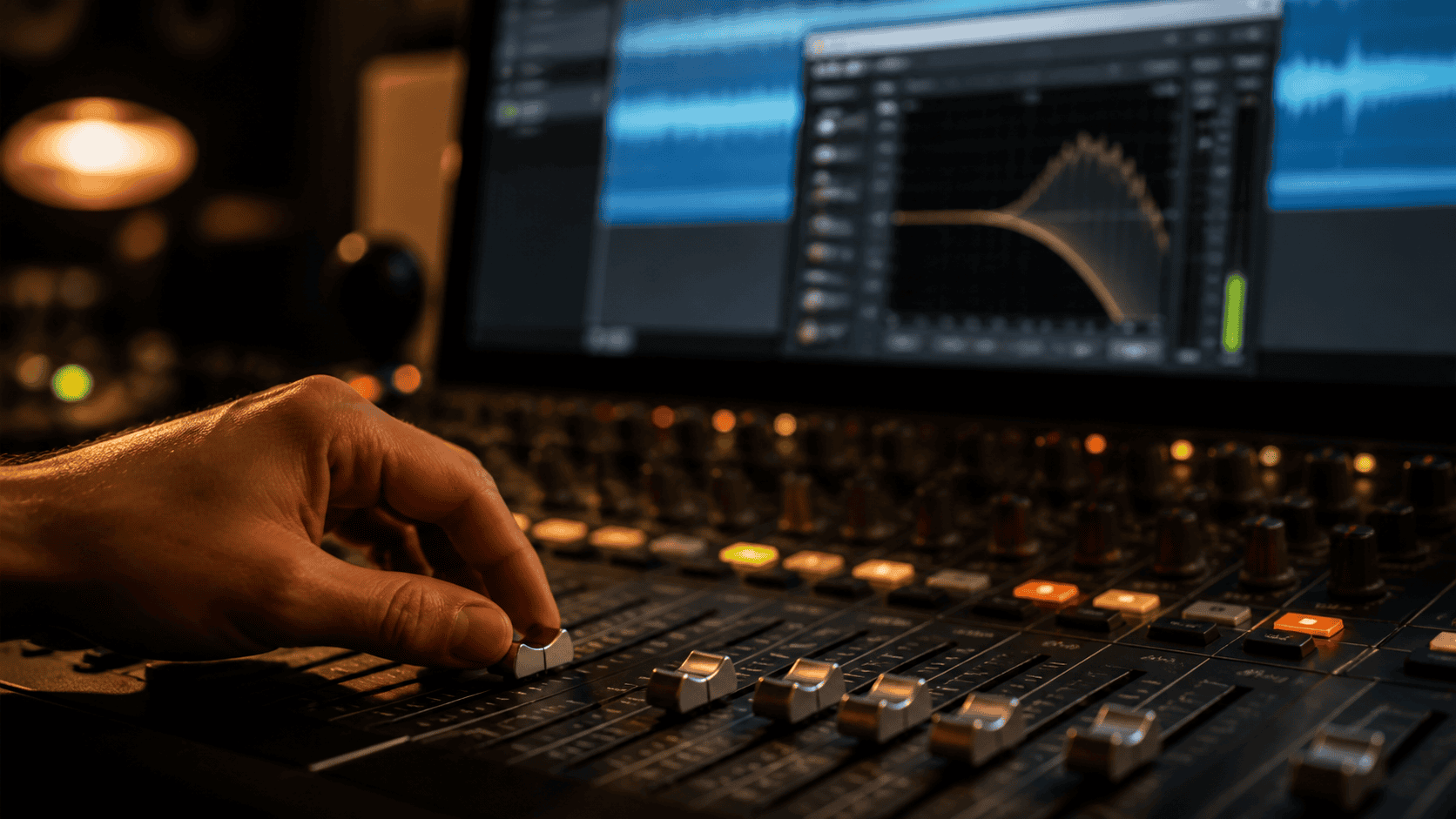
De-esser at the mixing console: taming harsh sibilants of AI vocals in vocal mixing

As a starting point: For bright or female AI voices, the target range is usually between 6 and 8 kHz, while for male or deeper voices it's more likely between 5 and 7 kHz. Set a reduction of about 4 to 7 dB and listen carefully: The Sibilant sounds They should become softer without the voice becoming lispy.

However, a single de-esser is often insufficient. A proven technique is to stack two de-essers with moderate settings instead of one aggressively operating one. Pay attention to the placement: A de-esser should be placed before saturation processes, otherwise the saturation will amplify the sibilance; and before reverb/delay sends, so that the sibilance doesn't get lost in the effect tails.

Step 3: Compression for natural micro-dynamics

Compression is also a key step when editing AI vocals. AI voices often come from the generator already heavily normalized—the volume is uniform, but this is precisely what robs the voice of its liveliness. The trick lies in the way you compress.

Instead of a single, hard-working compressor, serial compression is recommended: two compressors in series, each applying only 2 to 4 dB of gain reduction. The first catches harsh peaks, the second shapes the tonal character. This keeps the voice consistent without sounding lifelessly compressed.

To restore lost micro-dynamics, parallel processing helps: Send the voice to a separate bus, compress it heavily, and blend it subtly with the original. This adds energy and "tangibility" without flattening the natural fluctuations.

Unsure if your AI voice is ready for mixing? Send it to us — we'll listen carefully during a mix analysis.

Step 4: Saturation against the sterile AI cold

When processing AI vocals, saturation is perhaps the most important step in making AI voices sound "human." AI vocals often sound sterile and cold because they lack the subtle harmonic distortions that occur in real recordings through microphones, preamps, and analog processes. Saturation adds these overtones back in.

Analog tube saturation for AI vocals: warmth versus sterile digital cold

Use saturation sparingly: Even a small amount noticeably alters the character. Tape rounds off the highs and adds gentle compression, while tube emphasizes the even harmonics and sounds "fuller." Because saturation boosts high frequencies, it should be applied after the de-esser. A tried-and-tested trick is multiband saturation: Warm up the lower mids (around 200 to 800 Hz) for body, and keep the highs clean.

Check in an A/B comparison against the unprocessed signal — saturation tempts you to always add “a little more” until the mix becomes muddy.

Step 5: Reverb and delay for embedding

A dry AI voice floats detached above the mix. Only spatial effects place it in a believable environment. Start with a short space or plateau...reverb For a sense of intimacy, use a longer, subtle reverb in the background for depth. You can find more information on how to properly adjust reverb in the article. Adjust reverb in 10 steps.

Also filter the reverb with a Low Cut (from about 300 Hz) and a high-cut filter (from about 8 kHz) to prevent muddy sound. A pre-delay of 20 to 40 milliseconds keeps the voice clear and front and center. A delay synchronized to the song's tempo, slightly panned outwards and at a reduced level, adds movement—used subtly, the AI ​​voice sounds as if it has always been part of the song.

Step 6: Manual editing to counter AI wobble and lack of breathing

Some problems can't be solved with a plugin, but only manually. "AI wobble"—a digital wavering on long notes—is one such case. Here, it helps to cut out the affected section, shorten it, or smooth it with a subtle pitch/timing tool. Often, simply fading out the last second of a wobbly note is enough.

Furthermore, the lack of breathing is the second biggest problem. Real singers breathe between phrases—this sound is almost completely absent in AI voices. Even a few, quietly placed real breathing sounds at the beginning of phrases can fool the ear into thinking it's a human performance. If you'd prefer to replace the voice entirely, we'll show you how. Replace Suno singing with your own voice You can. And for those who would rather clone their own AI voice (voice cloning): a cloned voice also needs exactly the same processing afterwards, otherwise it will quickly sound synthetic without de-essing and saturation.

The correct order: a vocal chain for AI voices

  • 1. Manual Editing — Repair AI wobble, swallowed syllables, and breathing first.
  • 2. Subtractive EQ — Remove low-cut filters, resonances, and harsh highs.
  • 3. De-Esser — Tame artificial sibilants (before saturation!).
  • 4. Compression — serial or parallel for consistency and micro-dynamics.
  • 5. Saturation — Warmth and overtones against the sterile cold.
  • 6. Additive EQ — optional light polish.
  • 7. Reverb & Delay (via Sends) — Embedding in the space.

Ultimately, AI-generated vocals aren't rocket science—it's solid vocal mixing with a few targeted focuses. Those who prefer to leave the final touches to professionals can have their entire project done by an AI-generated version. Have a song mixed — We get the most out of your AI tracks. And once the mix is ​​complete, we move on to the next step: AI music according to Suno. to have mastered.

YOUR CONTACT TO PEAK-STUDIOS

Send us your AI vocals or your entire AI song — we'll give you an honest assessment of what can be achieved in the mix. We usually get back to you within 3 hours.

You can reach us by phone from Monday to Friday from 9 a.m. to 8 p.m.

Frequently asked questions about AI vocals and AI mixing

Because of a series of minor anomalies: digital wobble on sustained notes (AI wobble), breathless phrasing, metallic, repetitive sibilants, and a lack of micro-dynamics. Our ears perceive this uniformity as synthetic.

As a starting point: 6–8 kHz for bright or female voices, 5–7 kHz for darker or male voices, with a 4–7 dB reduction. With AI vocals, you can be more aggressive than with real recordings because the sibilance is more uniform.

The AI ​​origin can rarely be completely concealed, but with EQ, de-esser, compression, saturation, room effects and some manual editing, you can get very close to a believable, mix-ready vocal.

The basic principle is the same, but you use some tools more consistently — especially de-esser and saturation — and invest more in manual editing to combat AI wobble and lack of breathing.

Editing → subtractive EQ → de-esser → compression → saturation → optional EQ → reverb/delay via sends. It's important that the de-esser is placed before the saturation.

Image by Chris Jones

Chris Jones

CEO – Mixing and Mastering Engineer. Founder of Peak-Studios (2006) and one of the first online service providers for professional audio mixing and mastering in Germany.