
Goniometers in Music Production: Definition, Application and Frequently Asked Questions
A goniometer shows you in real time how your Stereo signal Distributed in two-dimensional space, it makes phase problems and mono incompatibility visible before they become audible. In mixing and mastering, you typically place the goniometer at the end of the signal chain to check the correlation between both channels.
An optimal stereo image is essential in modern music production. But how do you make sure the stereo width is right and that no unwanted phase problems occur? This is where the goniometer comes in. In this article, you will learn what a goniometer is, why it matters in music production and how to use it correctly. You will also get answers to common questions that help you get the most out of this useful analysis tool.
What is a goniometer?
A goniometer - often also called a phase meter or stereo monitor - is a measuring tool that visualizes your stereo signal. The display shows how strongly the left and right channels correlate and whether phase shifts may be present. Most goniometers use a two-dimensional display where movement up, down or sideways gives clues about the distribution of the audio signal.
Important characteristics:
- Two-dimensional representation: Displays the stereo signal in real time.
- Phase correlation: Measures how well left and right channels match or cancel each other.
- Detection of phase errors: shows problems that may affect sound quality.
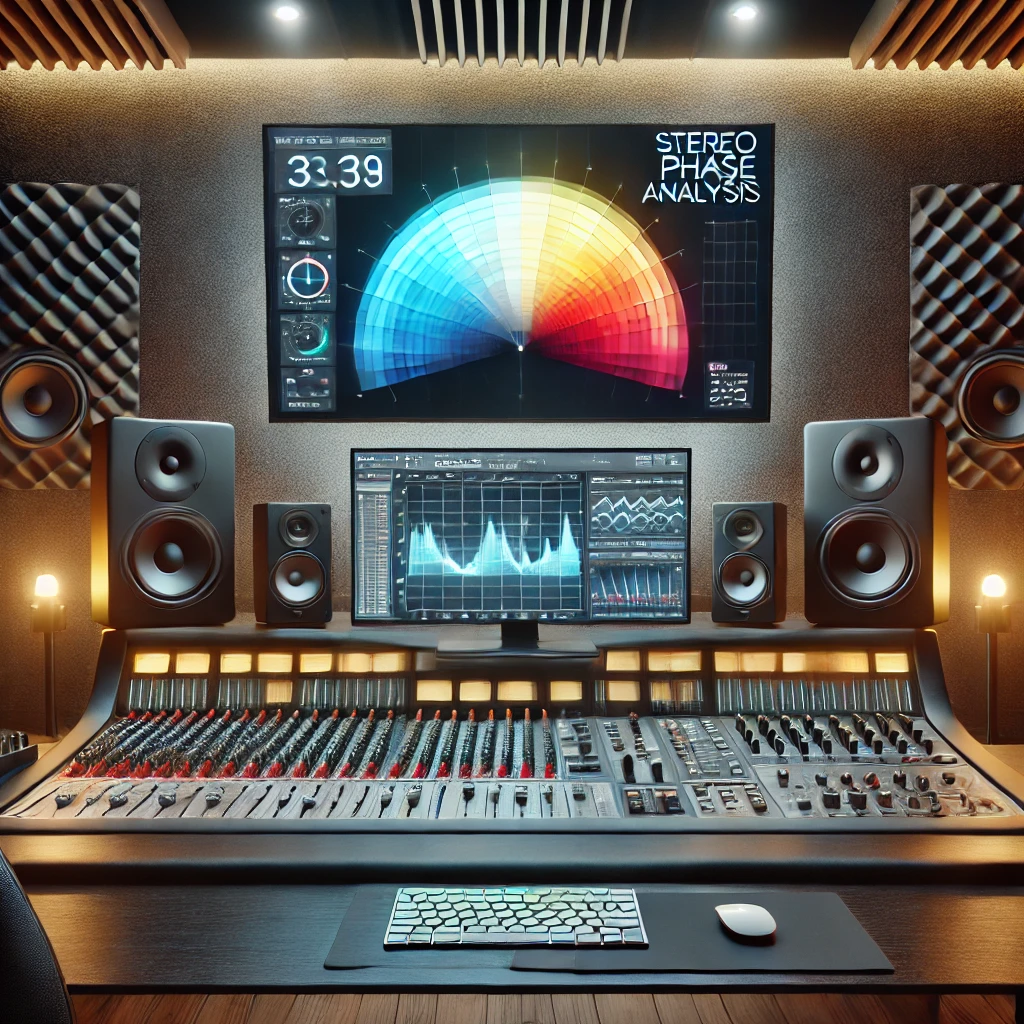
Why is a goniometer important in music production?
During the mixing and mastering stage, it is crucial that your music sounds wide while still staying clean and mono-compatible. A recording can have impressive stereo effects but suddenly sound dull or thin in mono if phase cancellation occurs.
Advantages of a goniometer:
- Optimal stereo width: You can ensure that the stereo width of the instruments is balanced.
- Identify phase problems: Prevent signals from canceling each other out and degrading sound quality.
- Better sound experience: A balanced stereo balance provides depth and spatiality and appears more professional.
Check stereo in the overall mix: Our Mixing Guide shows how to control stereo width, mono compatibility and balance throughout the full mixing process.
How do you use a goniometer correctly?
So optimize your stereo analysis:
Setup in the audio or master channel
Place the goniometer in the last slot of your signal chain, for example on the master bus, to see the final stereo image clearly. This helps you understand how all elements of your mix work together.Monitor the center: make sure the signal does not lean too far left or right. A slight sideways movement is normal and indicates the intended stereo width.
Check phase correlation: most goniometers include a phase correlation display, often shown as a bar or scale. Strong positive values indicate good correlation; negative values point to phase problems.
Locate problem sources: if the goniometer shows an unusual pattern, check your stereo effects or plugin settings.
Adjust stereo width
Use stereo enhancers or Panning settings, to adjust the stereo width. Always check the changes with the goniometer to Phase cancellations to avoid.
Frequently Asked Questions (FAQ) about using a goniometer
1. What do I do if the goniometer shows a narrow deflection?
A narrow peak means your signal is almost mono. Check your panning settings or use stereo enhancers to create more spaciousness. Avoid artificially inflating the mix to avoid phase problems.
2. Why does the correlation value sometimes fall into the negative range?
Short-term negative values can be normal with wide stereo effects or time-shifted signals. However, persistent negative values are a warning sign of phase cancellation. In that case, check your effect settings or microphone setup.
The goniometer is your most important phase indicator in mastering — how to use it in the overall context of stereo analysis is shown in the Mastering Guide.
3. Is a goniometer suitable for beginners as well?
Absolutely! Especially if you are just starting out, the goniometer helps you to visually understand how stereo width and phase behave. This improves your understanding of sound enormously.
4. Can I use a goniometer in live situations?
Yes! Many DAWs and mixers offer real-time analysis tools like goniometers. These allow you to quickly identify and fix phase problems before they become audible.
5. Are there alternatives to the goniometer?
Alternatives include phase meters, correlation meters or stereo analyzers. Many plugins combine several of these tools so that you can check different aspects of your mix at the same time.
Conclusion
A goniometer is an essential tool in music production. It gives you insight into the stereo width of your mix and helps you avoid phase problems. Whether you are a beginner or a professional, a goniometer helps you keep your music wide, spacious and mono-compatible. Try it in your next project and hear the difference.
Tip: combine the goniometer with other analysis tools such as peak meters, loudness meters or spectrum analyzers to optimize your mix in all aspects.