
The Haas Effect in Music Production: Definition, Application and Benefits
The ear perceives two slightly time-shifted signals as a single sound event—this is precisely the phenomenon that the Haas effect utilizes in music production. Even a delay of 1 to 40 milliseconds on one stereo channel creates a noticeable sense of spaciousness without the delay being consciously perceptible.
The so-called Haas effect (also known as the precedence effect) is a key principle in music production and audio engineering. It creates the impression of a wider, more spacious stereo image. In this article, you will learn what the Haas effect is, how it works and how to use it carefully to take your mix to the next level. You will also find typical questions and answers about this effect.
What is the Haas effect?
The Haas effect describes the phenomenon that our hearing perceives two similar signals arriving slightly apart in time as one sound event. Even very short delays of one to forty milliseconds can make a signal feel wider without the delay being heard as a separate echo. The brain treats the first impulse as the original signal and the later impulse mainly as spatial information.
Why is that important?
- Stereo width: the Haas effect widens the stereo panorama without smearing the mix.
- Natural localization: our brain primarily uses the first arriving signal as the spatial reference point.
- Creative sound design: subtle time offsets can make instruments or vocals feel more interesting.
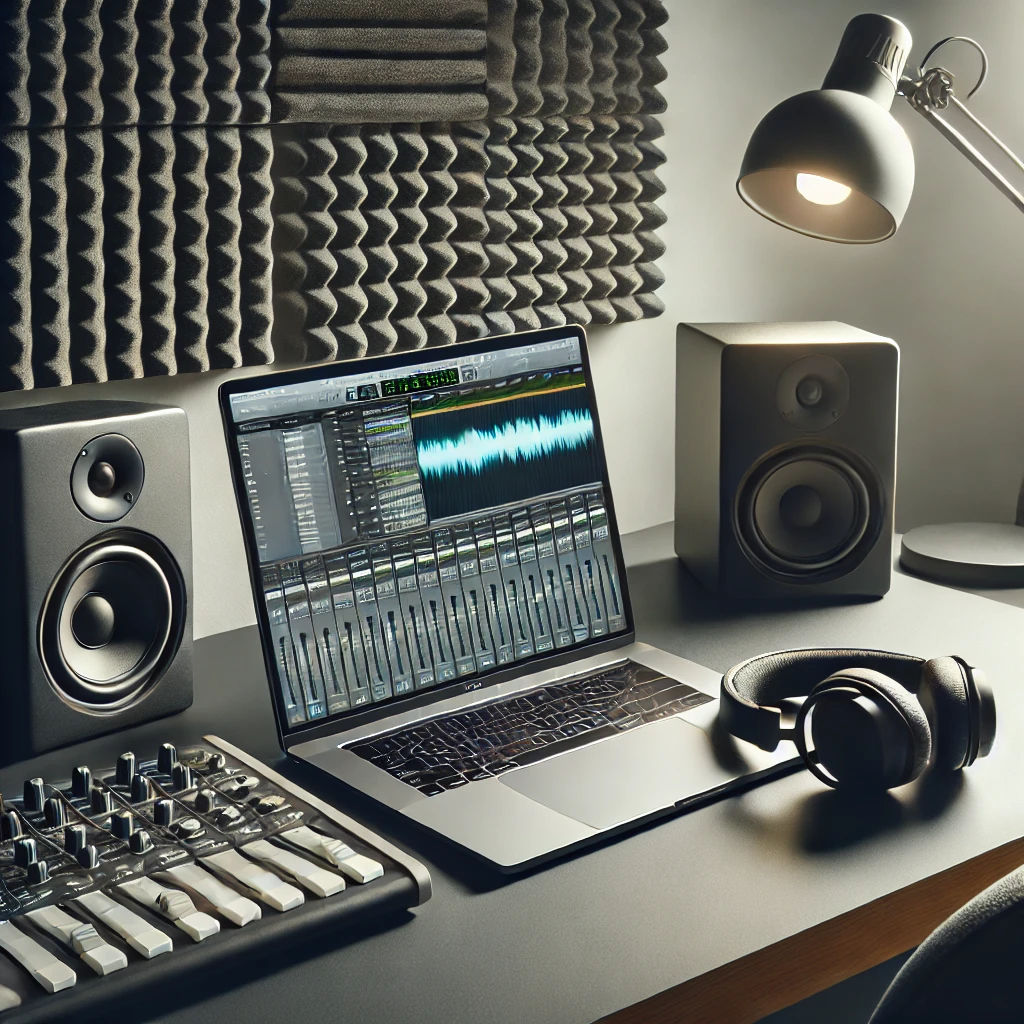
How do you apply the Haas effect?
To use the Haas effect in practice, you usually duplicate a mono track and delay one side (left or right) by a few milliseconds. Depending on your digital audio workstation (DAW), you can do this with a short delay plugin or directly in the track settings.
- Duplicate the track: create a copy of your original track.
- Set the delay: add a short delay of ten to thirty ms to one of the two tracks.
- Adjust the volume: balance both tracks so neither side sounds too dominant.
- Check phase: make sure you do not create unwanted phase problems, especially when the mix is played back in mono.
Tip: try different delay times to adapt the sound to your song. Not every instrument benefits equally from this technique.
Space in the overall mix: Our Mixing Guide shows how stereo width, depth and signal balance work together throughout the full mixing process.
Frequently asked questions about the Haas effect
Can I use the Haas effect for all instruments?
In principle, the Haas effect can be applied to many instruments and vocals. It is particularly popular with backing vocals, Gitarren or synth padsto make them sound wider and more vibrant in the mix. Caution is advised with instruments that are heavily reliant on transients (e.g., drums), as they can easily sound unnatural.
Is there a risk of phase problems?
Yes, if the delayed signal in Suit summarized, phase problems Phase cancellation may occur. A phase reversal tool or a phase meter can help identify potential cancellations. Therefore, test your mix in both stereo and mono.
How is the Haas effect different from reverb and chorus?
- reverb (Hall effect) simulates spatial reflections and adds depth, but can quickly blur the signal.
- and chorus It modulates the signal in terms of time and sound, creating a floating effect.
- The Haas Effect It remains more direct because it is based on a minimal delay without significantly altering the sound.
Do I need expensive plugins to create the Haas effect?
No. Often, the delay or pan tools integrated into the DAW are sufficient. Expensive specialist plugins offer additional features, but are not necessary for a simple Haas effect.
When does the Haas effect make sense and when does it not?
- Sensible: for instruments and vocals that should have a wide, spacious sound without overloading the mix.
- Less useful: for solo vocals or instruments that should be centered and clearly defined (e.g., lead vocals).
Tips for using the Haas effect successfully
Moderation instead of exaggeration: use the Haas effect sparingly. Too much delay or too large a level difference can make the sound unnatural.
Automated adjustments: try automation to activate the Haas effect only in selected parts of the song. This adds variety and dynamics.
Test on headphones and speakers: what sounds good on headphones will not always translate the same way to speakers. Test your mix on several systems.
Combine with EQ and compression: to shape stereo width more precisely, EQ adjustments and compression can be useful. This helps avoid frequency masking and creates a more balanced sound.
Conclusion
The Haas effect is an effective technique for adding space and depth to a music production. By playing one side of the stereo image with a slight delay, the ear perceives a pleasantly wide sound without it feeling unnatural. However, always watch for possible phase problems and use the effect deliberately to get the best out of your mix.
With this understanding of the Haas effect, you have a solid foundation for professional mixing and mastering. Try different delay times and level ratios to find the right balance between width and clarity. This gives your production a spacious yet transparent character that listeners can enjoy.