
What is phase shift and how can you detect it?
Phase shift occurs when two similar audio signals meet at a different time – for example, with multiple microphones on a snare drum or when copying vocal tracks. The result: frequencies cancel each other out, the bass becomes thin, the Mix loses pressure. The phenomenon is most reliably recognizable by a Mono check in the DAW.
What does phase mean in audio?
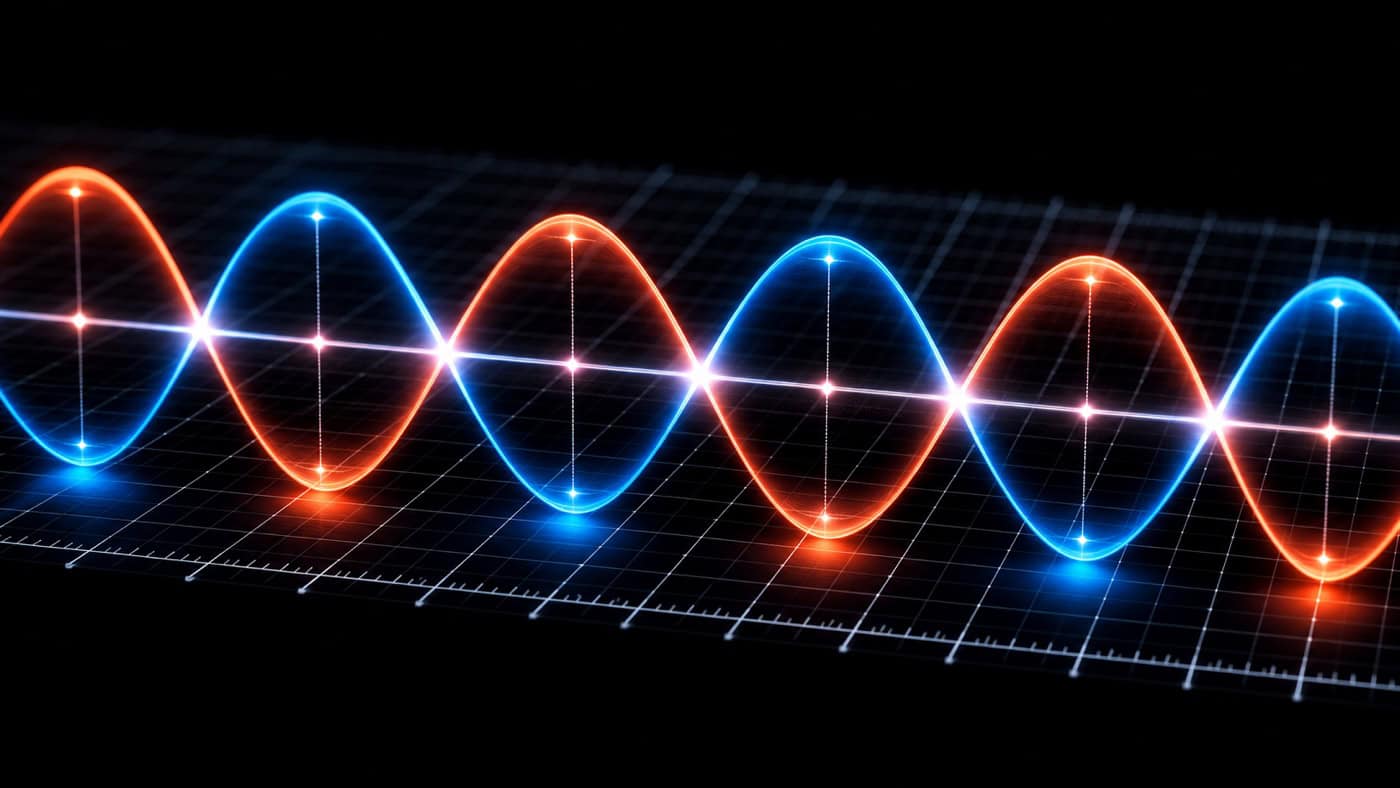
Phase describes the timing position of a sound wave within a cycle. Two identical waves can reinforce each other (constructive interference) or cancel each other out (destructive interference), depending on whether they are in phase or out of phase.
In the DAW, you can see this as a waveform. If you invert the polarity of one signal, the result can be complete cancellation.
How does a phase shift occur?
Phase shift occurs when two similar signals meet at different points in time. Typical causes include:
Different microphone distances (e.g. snare top & bottom)
Room reflections with single microphones
Plugins with latency (without automatic compensation)
Effects devices such as flanger, phaser or delay
Detuned oscillators in synthesizers
Phase problems can also occur when you duplicate vocals or instrument tracks and add a slight delay or pitch shift.
Typical problems caused by phase shift
Comb filtering: even level dips across the frequency spectrum
Loss of low end (especially when summed to mono)
Thin or unstable sound with doubled vocals
Location problems im stereo image
Tip: Instead of copying vocals, record them multiple times.
Phase-linear vs. minimal-phase EQs
EQs affect not only level but also phase. There are two main types:
| EQ type | Phase behavior | Sound effect |
|---|---|---|
| Minimal phase | Frequency-dependent phase rotation | Coloring, often musical |
| Phase linear | Constant across all frequencies | Neutral, but with Pre-Ringing |
With several similar tracks, a linear-phase EQ can help avoid phase cancellation. Be careful with strong high-pass or low-pass cuts, as they can cause pre-ringing.
Identify and correct phase problems
How to recognize phase problems:
Instruments disappear in the mono mix
Bass range sounds empty or unstable
The phase correlation meter shows values below 0
Corrective actions (tips):
Mono check: Switch between stereo & mono regularly.
Invert polarity: use the polarity button or a plugin such as Audiocation Phase.
Phase shift costs punch and clarity — which mastering tools counteract this is explained in the article. Mastering Guide systematically.
Move tracks: Slight timing adjustments in the DAW.
Adjust microphone setup: Fewer microphones, better positioning.
Check effects: Enable latency compensation or replace effects.
Tip: Pay special attention to a clean, phase-stable signal in the low end. The foundation of your mix is often mono.
Think about phase in the whole mix: Our Mixing Guide shows how signal flow, stereo balance and error analysis work together throughout the mixing process.
Conclusion on phase shift
Phase shift is often an invisible but audible mix killer. It can ruin the power, depth and precision of your mix, or it can be used deliberately as a creative effect. With the right technical understanding and tools, you can identify and correct phase problems quickly and reliably.
If you are unsure about the phase of your track, we can analyze it professionally for you - for example with our mix analysis.
Frequently asked questions about phase shift
What happens when two signals are out of phase?
At exactly 180° out of phase, identical signals cancel each other out completely (silence). Partial phase shifts result in comb filter cancellations, which make the sound thin and weak – especially in the bass range. This is typical with multiple microphone setups or when summing mono signals.
How can I avoid phase problems?
Pay attention to microphone spacing (3:1 rule), activate latency compensation in your DAW, and regularly check the signal in mono. If needed, use the polarity switch (Ø) or a phase alignment tool to precisely align tracks in time.
Is phase shift always bad?
No. Phasers, flangers, stereo widening, and creative detuning effects are specifically based on phase shifting. It only becomes problematic when it leads to uncontrolled cancellations or mono incompatibility.
How does phase shift affect the stereo mix?
It affects localization and width – a signal can sound more spacious and expansive. However, if overdone or incorrectly applied, it leads to an unstable center and causes sound components to disappear when summing to mono, which becomes audible on club sound systems, radio, or smartphones.
Can phase problems still be corrected during mastering?
Partially – for example, via mid/side EQ or specialized phase correction tools. However, the master only contains the finished mix, so the options are limited. Phase problems are best resolved at the track level in the mix.