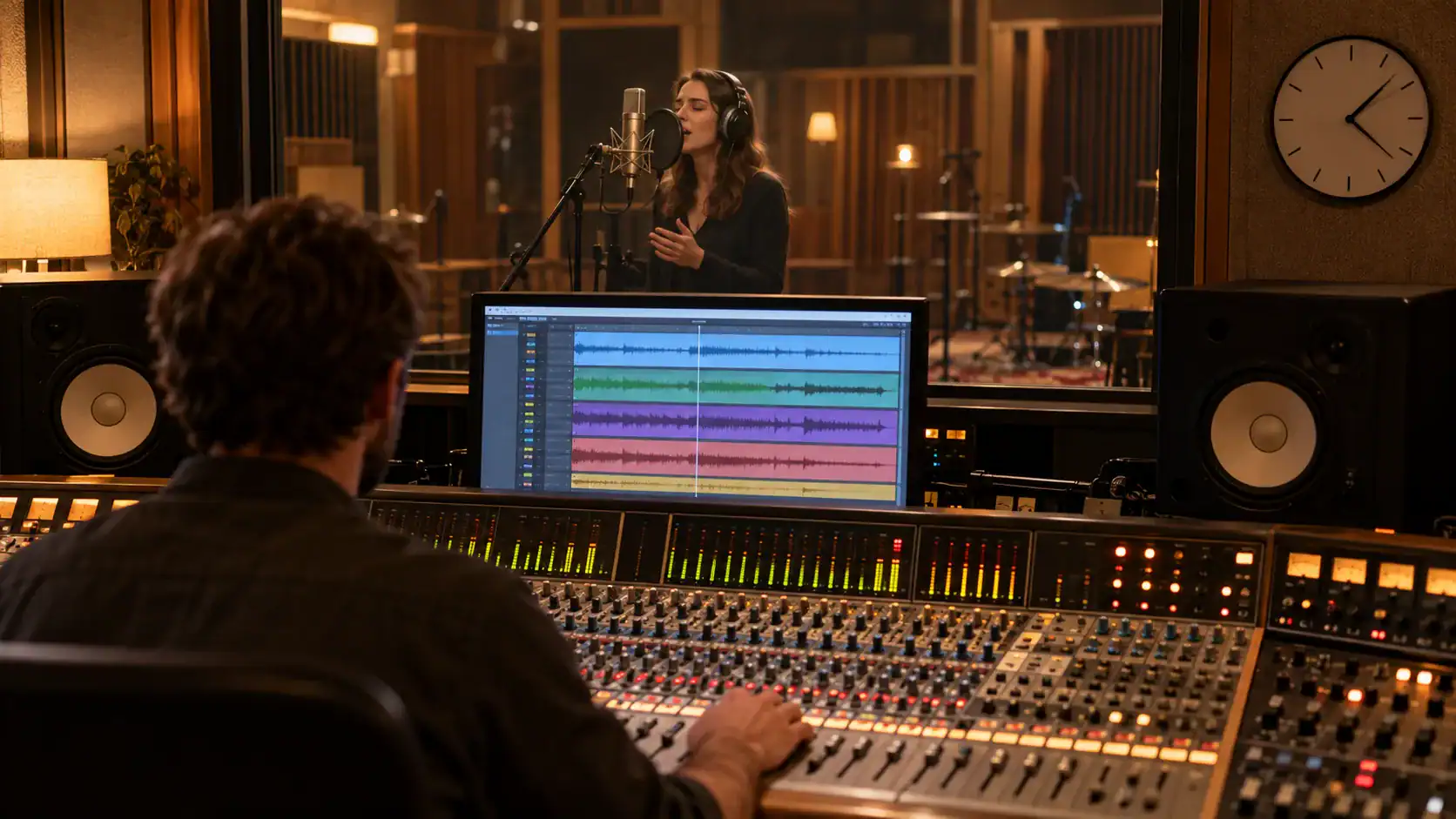
Music distributors – specifications and prices in comparison
Which digital music distributor is right for your release? We compare current prices, commissions, payout models, and technical upload requirements of popular providers. All information has been verified using official provider data; prices may vary depending on country, currency, taxes, and additional options.
As of: September 2026
How to correctly select and supply online music distributors
A music distributor delivers your release to Spotify, Apple Music, Amazon Music, YouTube Music, and other platforms. Independent artists generally cannot upload their music directly to the major streaming services as a commercial catalog release.
The initial price isn't the only deciding factor. Before choosing, also check whether the fee is charged annually, per release, or as a revenue share, whether a canceled subscription leads to the removal of your releases, and what additional costs there are for things like YouTube Content ID, splits, label features, or payouts.
The distributor's specifications apply to the initial technical delivery. The distributor then transmits the audio, cover art, and metadata via industry standards such as... DDEX to the platforms. Playback normalization for streaming services is separate; you can find the latest LUFS and True Peak information in our article on the Streaming specifications.
Do you want the best possible sound for your song on all streaming portals?
Audio specifications: Lossless upload
For a finished master, an uncompressed or lossless file is the safest choice. In practice, WAV or FLAC It's common; depending on the distributor, 16 or 24 bits and sample rates from 44,1 kHz to 192 kHz are accepted. 44,1 kHz is widespread for music-only releases, while 48 kHz is often used in video workflows. If possible, upload at the native sample rate of your master and avoid unnecessary MP3-to-WAV conversion.
Accepting a file does not automatically mean that every target store will deliver the same resolution. The distributor checks, converts, and distributes according to the requirements of each platform. Dolby Atmos requires special ADM/BWF files and a suitable distribution channel.
Practical tip: Export your final master losslessly, stereo-interleaved, without post-production normalization, and with clean true-peak headroom. Check the current upload requirements in your chosen distributor's account immediately before release.
The table compares the currently publicly advertised basic rates and delivery formats. Additional services, regional prices, and taxes are not fully included.
Are you unsure whether your mix works or whether your mastering meets the requirements of the streaming services?
| DistroKid | CD baby | Amused | Tune Core | MusicHub | recordJet | ReverbNation | Bandcamp | ||
|---|---|---|---|---|---|---|---|---|---|
| COSTS & FEES | |||||||||
| registration fee | None | None | None | None | None | None | None | None | |
| annual fee | Musician $24,99/year; Plus $44,99; Ultimate $89,99 | None | Artist $23,99/year; Plus $39,99; Pro $59,99 | Unlimited from $24,99/year | €48/year or €5/month; GEMA members without subscription fee | Premium from €9/year; Basic without annual subscription | Single $9,95/year; Album $19,95 in the first year, then $49,95; Premium $99,75/year | Free; optional $10/month | |
| Release fee | None | $9,99 per single; $14,99 per album (one-time fee) | None | Optional pay-per-release: Single $24,99/year; Album $44,99 in the first year, then $56,49 | None | Basic (one-off): Single €19, EP €29, Album €39; Premium (annual): Single €9, EP €19, Album €29 | Included in the annual price | None | |
| CONSIGN | 0% on store revenue | 9% on streaming and download revenues | Artist: 15% on YouTube Content ID; Plus/Pro: 0% | 0% on store revenue; 20% on TikTok, YouTube, Instagram and Facebook | 10% on streaming payouts | Basic: 10%; Premium: 0% | 0% on store revenue | 15% on digital sales; 10% on merchandise; payment fees extra. | |
| Disbursement | Via Tipalti; threshold and fees depend on country/method | Withdrawal limit can be set in the account. | From $10 | Depending on the country and payout method | From €5; bank transfer or PayPal | 1 € | From $5 | Directly through payment providers; typically a 4–7% payment fee. | |
| DATA DELIVERY | |||||||||
| Audio codecs | WAV, FLAC, AIFF, MP3, M4A, WMA | WAV, FLAC; MP3 are accepted | WAV, FLAC | WAV; BWF/ADM for Dolby Atmos | wav | WAV, FLAC; BWF/ADM for Dolby Atmos | wav | WAV, FLAC, AIFF | |
| Bit rate (bit) | 16/24 | 16 | 16/24 | 16/24 | 16 | 16-32 | 16 | 16/24 | |
| sampling frequency (kHz) | 44,1-96 | 44.1 | 44,1–192 (Hi-Res from Artist Plus) | 44,1–192 | 44.1 | 44,1-192 | 44.1 | 44,1-192 | |
| Format | stereo | stereo | stereo | Stereo, Dolby Atmos | stereo | Stereo, Dolby Atmos | stereo | stereo | |
| DELIVERY | |||||||||
| platforms gesamt | 150+ | 150+ | 50+ | 150+ | 25+ | 300+ | Key DSPs; scope depends on the tariff. | Bandcamp only (no distribution to third-party platforms) | |
| Spotify | ✔️ | ✔️ | ✔️ | ✔️ | ✔️ | ✔️ | ✔️ | ❌ | |
| Deezer | ✔️ | ✔️ | ✔️ | ✔️ | ✔️ | ✔️ | ✔️ | ❌ | |
| Apple Music/iTunes | ✔️ | ✔️ | ✔️ | ✔️ | ✔️ | ✔️ | ✔️ | ❌ | |
| YouTube Music | ✔️ | ✔️ | ✔️ | ✔️ | ✔️ | ✔️ | ✔️ | ❌ | |
| Anghami | ✔️ | ✔️ | ✔️ (only with subscription) | ✔️ | ✔️ | ✔️ | ✔️ | ❌ | |
| Amazon Music | ✔️ | ✔️ | ✔️ | ✔️ | ✔️ | ✔️ | ✔️ | ❌ | |
| Tidal | ✔️ | ✔️ | ✔️ | ✔️ | ✔️ | ✔️ | ✔️ | ❌ | |
| iHeartRadio | ✔️ | ✔️ | ✔️ | ✔️ | ✔️ | ✔️ | ✔️ | ❌ | |
| Claro Musica | ✔️ | ✔️ | ✔️ | ✔️ | ✔️ | ✔️ | ✔️ | ❌ | |
| Pandora | ✔️ | ✔️ | ✔️ | ✔️ | ✔️ | ✔️ | ✔️ | ❌ |
Music distributors FAQ – frequently asked questions
What will music distribution cost in 2026?
The models range from one-time fees per release to annual subscriptions. CD Baby currently charges $9,99 per single and $14,99 per album. DistroKid and TuneCore start at $24,99 per year, Amuse at $23,99. recordJet offers one-time and annual plans; MusicHub costs €48 per year or €5 per month. Taxes, exchange rates, and add-ons may affect the final price.
Which music distributor is the best?
It depends on your release schedule. An annual subscription can be cost-effective for frequent releases; a one-time payment model can be more predictable for infrequent releases. Also, compare commissions, cancellation terms, payouts, content ID, splits, label features, and accepted audio formats.
Which music distributor is suitable for GEMA members?
MusicHub currently offers GEMA members access without a subscription fee. However, 10% of streaming royalties are retained. Whether this model is more advantageous depends on your expected earnings.
Is Bandcamp a music distributor for Spotify and Apple Music?
No. Bandcamp is a separate sales and fan platform and does not automatically deliver your music to Spotify, Apple Music, or other DSPs. You need a distributor for these platforms.
Which audio file should I upload?
If possible, use the lossless final master as a WAV or FLAC file at its native sample rate. Always adhere to your distributor's current specifications, especially for Hi-Res and Dolby Atmos releases.