
 Multiband Compressor
A multiband compressor splits the audio signal into two or more frequency bands using a crossover filter and compresses each band separately with its own threshold, attack, and release settings. This allows, for example, excessive bass frequencies to be tamed without affecting the mids or highs – a key tool in mastering and processing complex mix bus signals.
What is a multiband compressor?
A multiband compressor is a Dynamic processorfor mixing & mastering, which divides the audio spectrum into two or more frequency bands and compresses each band separately. There are many ways to compress a signal, but few are as versatile as a multiband compressor.
Multiband compressors can be either digital (plug-in) or hardware-based.
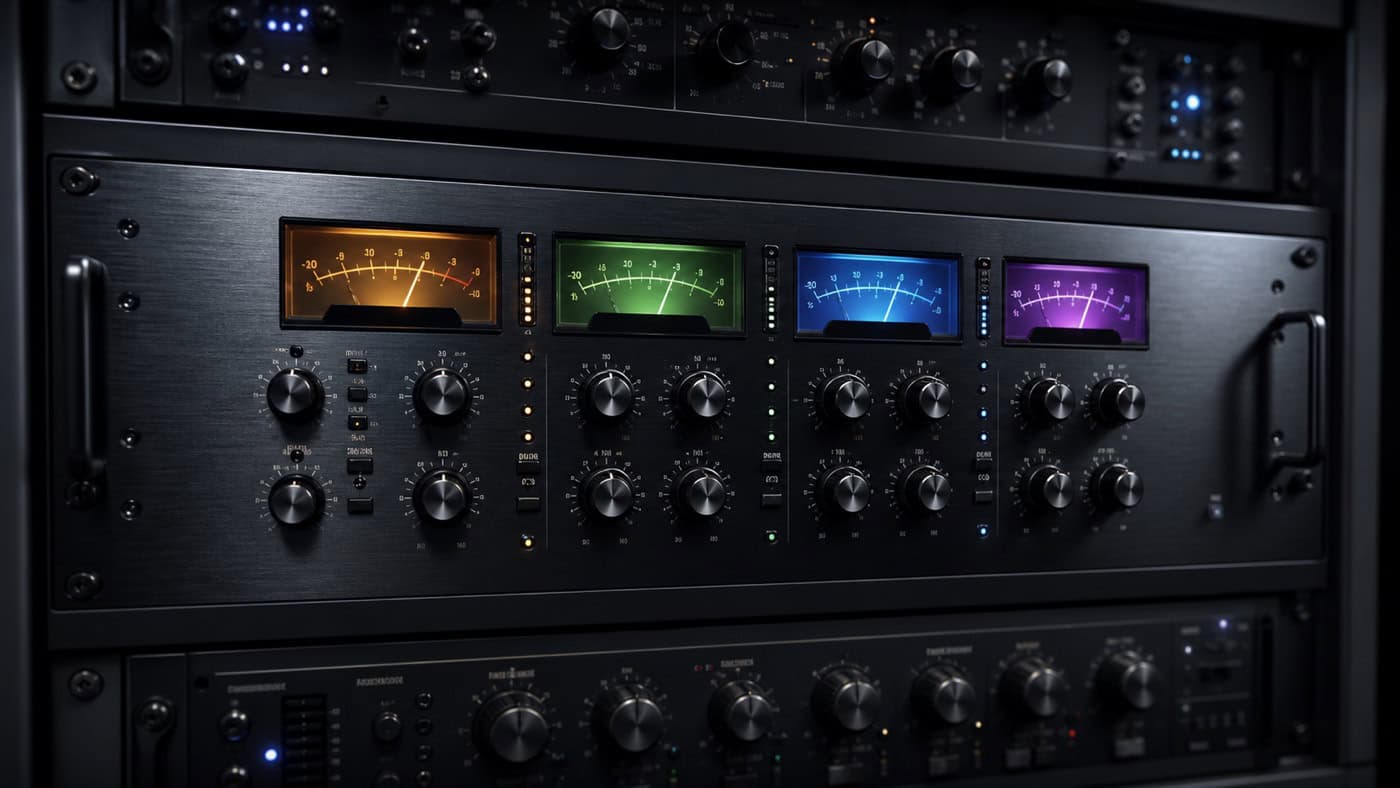
A hardware multiband compressor usually consists of at leasttwo separate compressor circuitsand a crossover filter (Crossover Filter) to divide the audio spectrum into different bands.
Other types of multiband compressors use a single main compressor with sidechain inputs for multiple bands. Some manufacturers add additional features to multiband compressors, such as aLimiterfor the master output channel or onestereo imaging-Section with adjustable crosstalk parameters.
Where is a multiband compressor used?
There are many ways to compress a signal, but few are as versatile as multiband compressors.
Multiband compressors are indispensable tools for mastering, as they offer the ability to control specific frequency ranges very precisely to eliminate problems before they become too big and expensive. They are flexible tools to control the dynamics. They can be used for a variety of applications, for example to reduce hard peaksreduce hard peaksto control each frequency band independentlycontrol each frequency band independently
Multiband compression can be used in mixing to make music sound "bigger" by applying it to both parallel tracks and individual elements in the mix.
The number of bands or frequency ranges through which you send your audio signal determines the complexity and degree of control over theCompressor. In addition, this type of compression is used for a variety of tasks, such as taming problematic frequencies in a track's frequency spectrum or creating new and sometimes very extreme sounds.
A good example of such an application is when producers compress only the low frequencies of their drum bus to avoid affecting the bass track. Multiband compressors can be used in the mix for many different applications, from dynamics control tosidechain compression.
How do I use a multiband compressor?
If you're new to multi-band compression, it can be a bit intimidating at first. But once you get the hang of it, yours canAudio material will sound much better and more professional as a result. Here's how to set up a multi-band compressor: 1. First, find a section of music that has a lotdynamicscontains - a section with many soft and loud passages (but not too many). This way you can find out how much compression each band needs. 2. Now set up your multi-band compressor so that it has four bands: low frequencies, mid frequencies, high frequencies and sidechain (band 4). For example, if you're trying to compress the low frequencies of a kick drum, you can set one band to 30Hz and another to 120Hz. 3. For each band, use, for starters, the same threshold setting for all three compressors (low-mid-high), but adjust the ratio of each compressor differently so that they increase depending on the type of music you're working with or less compress. You can also set the threshold differently. Depending on when you want the compressor to start working.Turn off the compressor from time to timeand compare the sound before and after. It is important that the volume before and after compression is about the same so that you can hear the direct difference. The sidechain compressor should be set up in a similar way: use the same threshold settings but different ratios for each band. Depending on how much compression you need.What is the threshold?
The threshold of a compressor is thatthreshold, at which point the compressor begins to compress the signal. It is given in decibels (dB) or in dynamics (RMS) and indicates how loud or dynamic the signal must be for the compressor to become active.If the signal is below the threshold, the compressor remains inactiveand the signal is passed on unchanged. However, as soon as the signal exceeds the threshold, the compressor begins to compress the signal and reduce the dynamic range of the signal. This means that the loud parts of the signal are reduced and the quiet parts are increased toDynamic Rangeto decrease overall. The threshold can be adjusted in different ways depending on the type of compressor used. Some compressors allow the threshold to be adjusted manually, while others use an automatic threshold based on the average loudness of the signal. The threshold is an important factor affecting the performance and impact of a compressor.
What is a ratio?
The ratio in a compressor is the relationship between themaximum and the minimumPressure that can be generated in the compressor. It indicates how much the compressor compresses the medium it is compressing. A high ratio means that the compressor is able to create a high pressure difference between the inlet and outlet, compressing the medium more. On the other hand, a low ratio means that the compressor can only generate a small pressure difference and is therefore less effective at compressing the medium.What influence do attack and release times have with the multiband compressor?
Attack and Release are the settings that determine when a compressor will react to a signal and when it will stop compressing. Attack is the time it takes for the compressor to react to the signal after it has passed the threshold. A slow attack allows the compressor to react slowly to the signal and gradually reduce loud signal components. A fast attack, on the other hand, makes the compressor react quickly to the signal and abruptly lower the loud signal components. Release is the time it takes for the compressor to stop compressing the signal once it falls below the threshold. A slow release slowly causes the compressor to stop compressing the signal, smoothing the transitions between compressed and uncompressed parts of the signal. A quick release, on the other hand, abruptly ends the compression of the signal, causing the transitions between compressed and uncompressed portions of the signal to become steeper. Attack and release are important parameters that affect the action and performance of a compressor, allowing the signal to be compressed in different ways. They can be adjusted as needed to achieve the desired effect on the signal.