Stereo signal – importance in mixing and mastering
A stereo signal is essential for spatial depth and a wide soundstage in mixing and mastering. However, not every file with two channels is automatically true stereo. Learn what to consider and how to avoid export errors here at Peak-Studios.Table of Contents
- Common errors with stereo filesThe stereo image determines the presence and depth of your master — how you control it is what theMastering Guidein workflow steps.
What is a stereo signal?
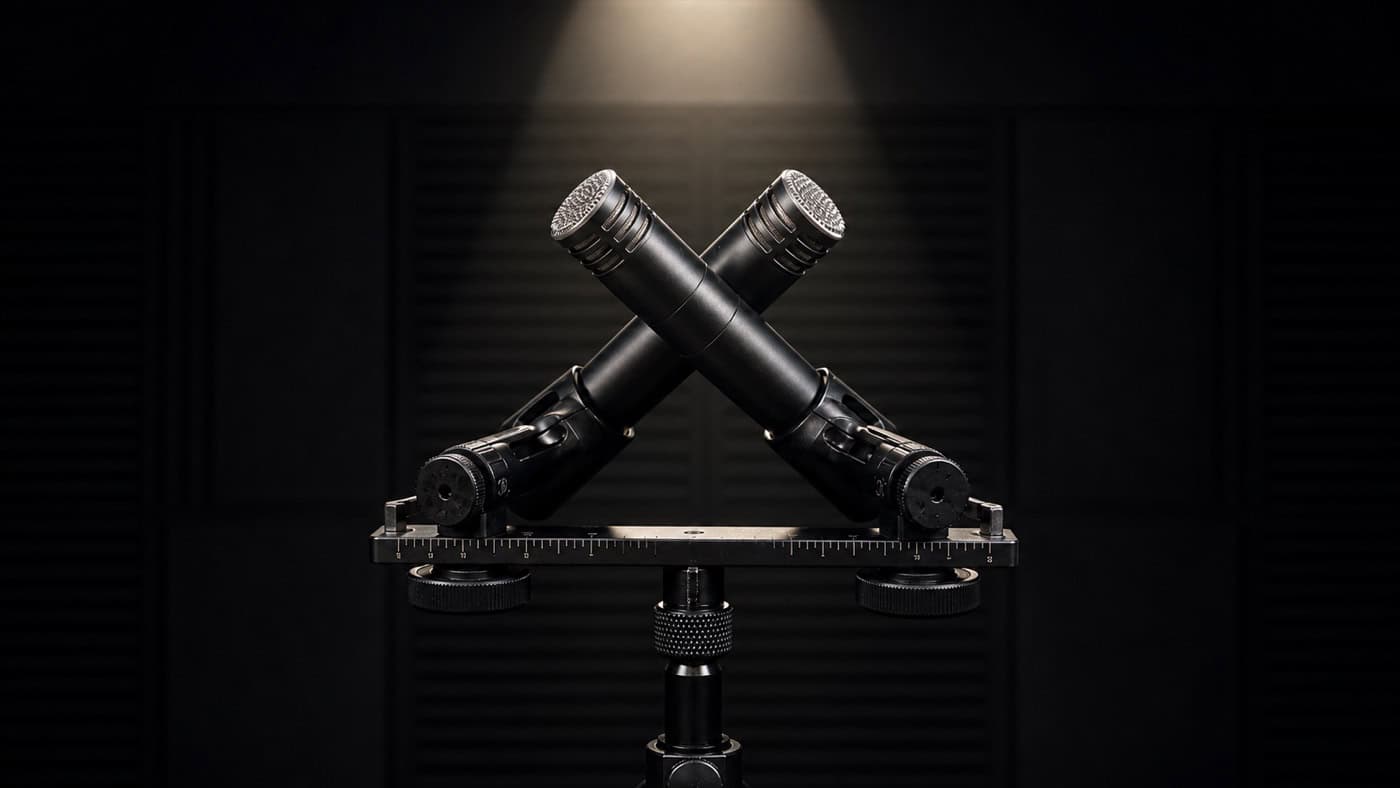
AStereo signalconsists of two independent channels –left and right signal– thus creating a spatial listening experience. Unlike a mono signal, where both channels are identical, true stereo offers different information on both sides.
This enables:
- Positioningof instruments in the stereo panorama
- Depth Stagingand surround sound
- a more naturalSound image
🎧 Forprofessional mixingand mastering, a correct stereo signal is essential.
Stereo signal in mixing
Understanding stereo in the overall process:Our tutorial shows you how panorama, mono compatibility, and spatial balance interact throughout the entire mixing process.Mixing Guidewith a clear step-by-step structure.
Im mixing Stereo signals are used specifically to create width and space:
-
Drumsare often recorded in stereo (e.g. overheads, room mics)
-
Synths and Padsbenefit from wide stereo effects (chorus, delay)
-
Vocalsremain mostly mono, but areStereo reverb or Dubbingwidened
🛠️ Tip: Make sure thatnot accidentally exported mono tracks as stereo– this leads to “wrong stereo files”.
Stereo signal in mastering
At the mastering The correct stereo signal is the basis for the final sound:
- The stereo width isMid/Side Processingoptimized
- Faulty stereo files (e.g. pseudo-stereo) severely limit editing
- The goal is acoherent, broad soundthat impresses on all playback systems
💡 Therefore, it is essential to check stereo files technically and aurally before mastering.
Common errors with stereo files
In practice, faulty stereo files often occur – for example, due to incorrect export:
Case study 1 – Mono instead of stereo:
A customer exported his instrumental on aMono track, but mixed it with stereo vocals.Result: The file hadno real stereo information– the mix sounded tight and flat.
Case study 2 – Mono downmix activated:
When exporting toCubasethe “Mono Downmix” option was accidentally activated.Although exported as stereo,there was no space– the result was an artificially static sound.
➡️ Such errors can be corrected by aWiretapping check and technical analysiseasily avoidable.
Check stereo: Analyzer & monitoring technology
Technical analysis
Use plugins like:
- Voxengo SPAN
- YouLean Loudness Meter
- or Correlation meterin common DAWs
These indicate whetherStereo informationare present (e.g.correlation≠ +1).
Hearing test: Side-muting
Mute theSide signalin your DAW:
- If only the middle is audible afterward → true stereo
- If everything remains identical → probably mono or pseudo-stereo
Conclusion: Stereo signal as a quality factor
A correct stereo signal isessential for professional soundErrors in export or routing not only cost quality, but also time and money in the production process.
✅ Check your files before uploading✅ Use analyzer and side muting✅ Pay attention to correct channel assignment and export settings
FAQ – Frequently asked questions about the stereo signal
What is the difference between mono and stereo?
Mono has identical information on both channels, stereo offers differences between left and right for spatial hearing.
How do I recognize a real stereo signal?
By analyzer (correlation meter) or by muting the side signal - if everything remains the same, it is probably mono.
Can I turn mono into true stereo?
No – true stereo requires two different signals. Effects like chorus only create pseudo-stereo.
Why does my mix sound flat despite being a stereo file?
Your file may only contain mono information or the export settings were incorrect (e.g. mono downmix).
Stereo correct? We'll check for you!
You want to make sure that yourStereo signalis correct?👉Then book our professional mix analysis!
We'll check your files in advance and tell you what you can improve in your mix!