Limiter in mixing and mastering
A limiter is a dynamics tool that limits signal peaks above a specified level. In mixing and mastering, it controls peaks, increases perceived loudness, and protects against clipping without unnecessarily crushing transients, punch, and dynamics.What does a limiter do?
ALimiterworks like aCompressorwith a very high ratio – often 10:1 to ∞:1. It reduces signal peaks as soon as they exceed a defined threshold and keeps the output level below a set ceiling.
The limiter is often:
on the mix bus in mixing
at the end of the mastering chain
What matters is not maximum loudness, but a controlled balance of level, transparency, punch and dynamics.
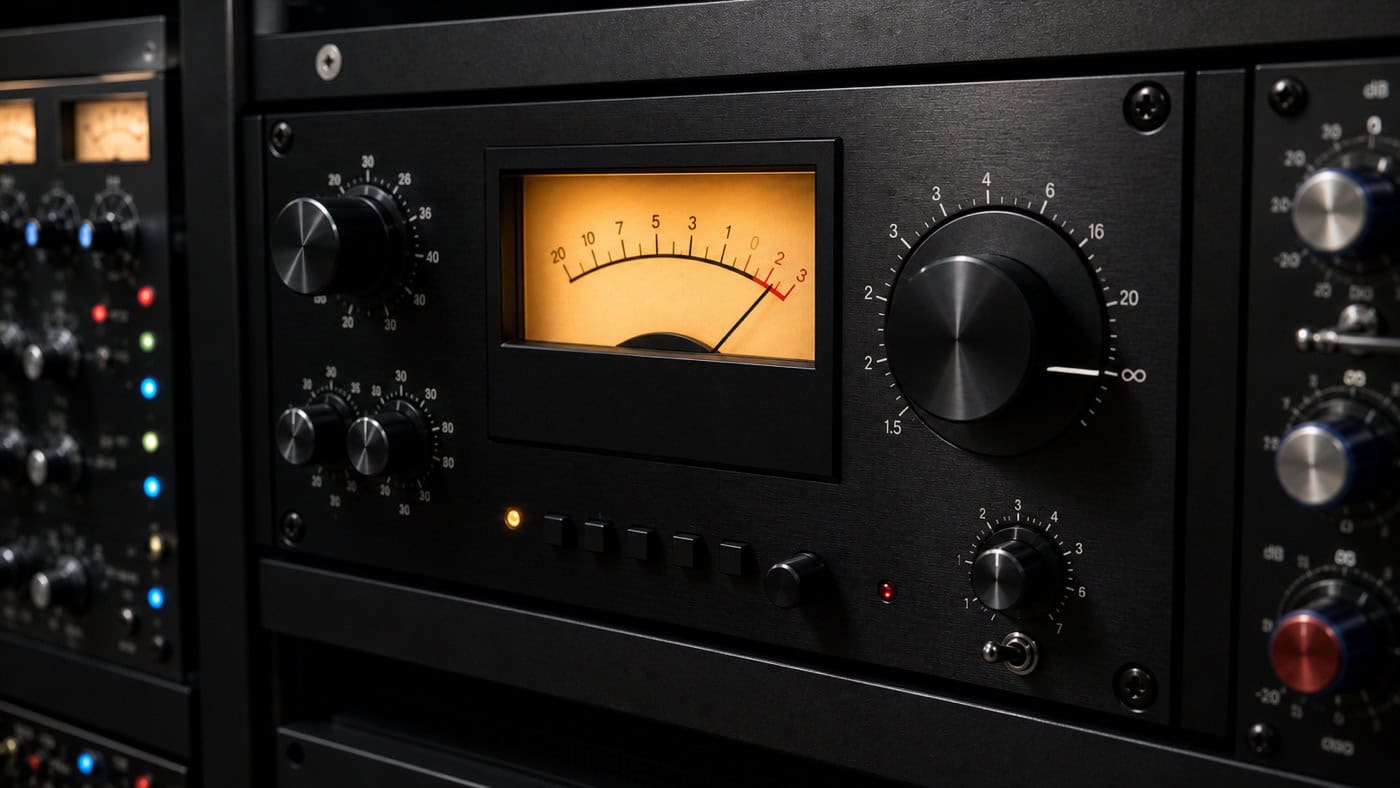
What is a brickwall limiter?
A brickwall limiter goes one step further: it prevents level peaks from exceeding the set threshold. A lookahead function analyzes the signal before it is output.
(I.e.Important: Because of the short latency, a brickwall limiter is suitablenotfor live use. Musicians could lose their timing due to the delay.
Brickwall limiting is often used:
- for preparing streaming/MP3 files
- as the final stage in mastering
- in loud genres (EDM, Pop, Trap)
Important parameters for the limiter
Threshold
The threshold determines the level at which the signal is limited. In mastering, it is often set around -XNUMX dBFS to reduce the risk of clipping artifacts during conversion to XNUMX-bit or MPXNUMX.
Attack
The attack time defines how quickly the limiter reacts.
- Short attack times(e.g. 1–5 ms) can destroy transients → loss of punch
- Longer times(e.g. 10–20 ms) preserve the impulses, but risk overshoots
➡️ A good starting value is between5 and 20 ms Adjust by ear!
The limiter is the final loudness stage in mastering — how it interacts with headroom, true peak, and dynamics is explored in theMastering Guide.
Release
TheRelease timecontrols how quickly the limiter releases again.
- Long(approx. 200 ms) at a constant level (e.g. EDM)
- Shortin dynamic passages (e.g. jazz, acoustic)
Tip: Listen for "pumping" or "smearing" - both can indicate incorrect release times.
➡️ For an exact calculation use the👉Release time calculator from Peak-Studios
Soft Knee – Gentle intervention
The Kneeinfluences how abruptly the limiter intervenes:
- Hard knee:sharp transition → precise but audible intervention
- Soft knee:smooth transition → more musical, unobtrusive
Many modern limiters offer a variable knee for greater audio fidelity during limiting. The right setting depends on the genre and should be adjusted by ear.
Where is a limiter used?
Limiters are used in many scenarios:
| Area | Purpose |
|---|---|
| mixing | Limitation to group tracks, e.g., drums |
| mastering | Maximum loudness without clipping |
| Broadcast | Compliance with broadcasting standards |
| Live | Protection of the PA system (no brickwall) |
🚫Attention:Excessive limiting can cause unwanted side effects:
- Clipping despite limiter (with incorrect attack/release)
- Emphasis on resonance frequencies
- loss ofdynamicsand punch
💡Good mix = less limiting needed.The limiter often shows where weaknesses in the mix lie.
Conclusion: Use limiters correctly
A well-adjusted limiter can give your mix or master the final polish without ruining the sound. Pay attention to moderate gain reduction, an appropriate ceiling setting, and sufficient dynamic range.
If you want to check whether your mix is too limited, distorted, or still has enough dynamics, themix analysis Specific feedback. For the final loudness and true peak check, ourmasteringthe appropriate next step.
Learn how to use limiters correctly yourself:Which settings work for which genres, when a brickwall makes sense, and how to avoid pumping — we'll show you all of that in this article.1:1 Mixing-Mastering-Coaching.
Tip: The actual level reduction provided by your limiter shows...Loudness Meter– Measure LUFS and True Peak for free in your browser.
FAQ – Frequently asked questions about the limiter
What is the difference between a limiter and a compressor?
A limiter has a higher ratio and has a stronger effect on peak levels, while a compressor works more dynamically.
What is the best threshold value in mastering?
A value of-0,3 to -0,4 dBFSprevents clipping during format conversion.
What does brickwall limiting mean?
It guarantees that no signal exceeds the specified level – ideal for maximum loudness.
When should you use a limiter?
A limiter is used at the end of mastering or on group tracks to control peak levels and avoid clipping.
What is the difference between hard and soft knee on the limiter?
Hard Knee intervenes abruptly, while Soft Knee limits the signal more gently – for more musical results.
How does excessive limiting affect the mix?
Limiting too harshly can cut off transients, destroy dynamics, and amplify unwanted resonances.
What is Lookahead in the Brickwall Limiter?
Lookahead means that the limiter analyzes the signal with a minimal delay in order to limit level peaks before the output.
Can you use a limiter live?
In the live area, simple limiters are possible, but brickwall limiters with lookahead cause latency and are unsuitable.