Effective feedback for online mixing & mastering – here's how!
The mixing and mastering of your song is a crucial step in giving your track the final touches. But how can you ensure that your engineer understands your wishes and ideas exactly? With targeted and constructive feedback, you can make a significant contribution to success. In this article, we will show you:
- Why clear feedback is so important,
- How to use technical terms correctly,
- Which tips will help you to communicate precisely,
- And how to avoid common mistakes.
You will also receive a free checklist with professional tips that will help you structure your feedback perfectly.
Why constructive feedback is crucial
Feedback is the basis of a successful collaboration. Statements like "I don't like the sound" are of little help to your engineer. Precise and polite communication ensures that your desired sound is achieved quickly and efficiently.
💡 Tip: Use friendly and appreciative language. Your mixing engineer is just as interested as you are in getting the best out of your song.

Use technical terms – but correctly
Technical terms help you formulate your feedback in a targeted manner. Here are some examples that will make communication easier for you and your engineer:
- Dull/musty: Too much energy in the lower midrange (~200–500 Hz).
- For example: "The guitars at 2:15 sound muffled. Can you make them clearer?"
- For example: "The guitars at 2:15 sound muffled. Can you make them clearer?"
- Cutting/too bright: Too strong treble (~8–12 kHz).
- For example: “The hi-hat sounds too sharp for me. Can you make it a bit softer?”
- For example: “The hi-hat sounds too sharp for me. Can you make it a bit softer?”
- Pappig: Overemphasized mids (~500 Hz).
- For example: "The bass sounds mushy at 0:45. Can you reduce the mids?"
- For example: "The bass sounds mushy at 0:45. Can you reduce the mids?"
- Booming: Too much bass (~20–100 Hz).
- For example: “The kick drum sounds too heavy at 0:30. Can you make it more precise?”
- For example: “The kick drum sounds too heavy at 0:30. Can you make it more precise?”
Examples of good feedback:
- Instead of: “I don’t like the vocals.”
→ "The vocals could have more presence. They get a bit lost in the mix." - Instead of: “The bass doesn’t fit.”
→ “The bass is too dominant at 0:40. Can you take it back?”
Take time for your feedback
It's important to take your time after listening to the mix for the first time. Especially if you've only heard your rough mix, the new sound often seems strange.
Tips for the first impression:
- Listen to the song on different playback systems:
- Studio monitors, headphones, laptop speakers or car radio – this way you can judge how the sound works in different environments.
Important: Choose two or three listening devices that you know well and use to listen to your music daily. Unfamiliar playback sources require a "break-in" period and are difficult to evaluate objectively.
- Studio monitors, headphones, laptop speakers or car radio – this way you can judge how the sound works in different environments.
- Get used to the new mix:
- It's normal for an edited mix to feel different. Listen to the song multiple times before giving feedback.
- Take notes:
- Write down what you notice. Use time references and describe the instruments or elements involved.
Mark times and exact locations
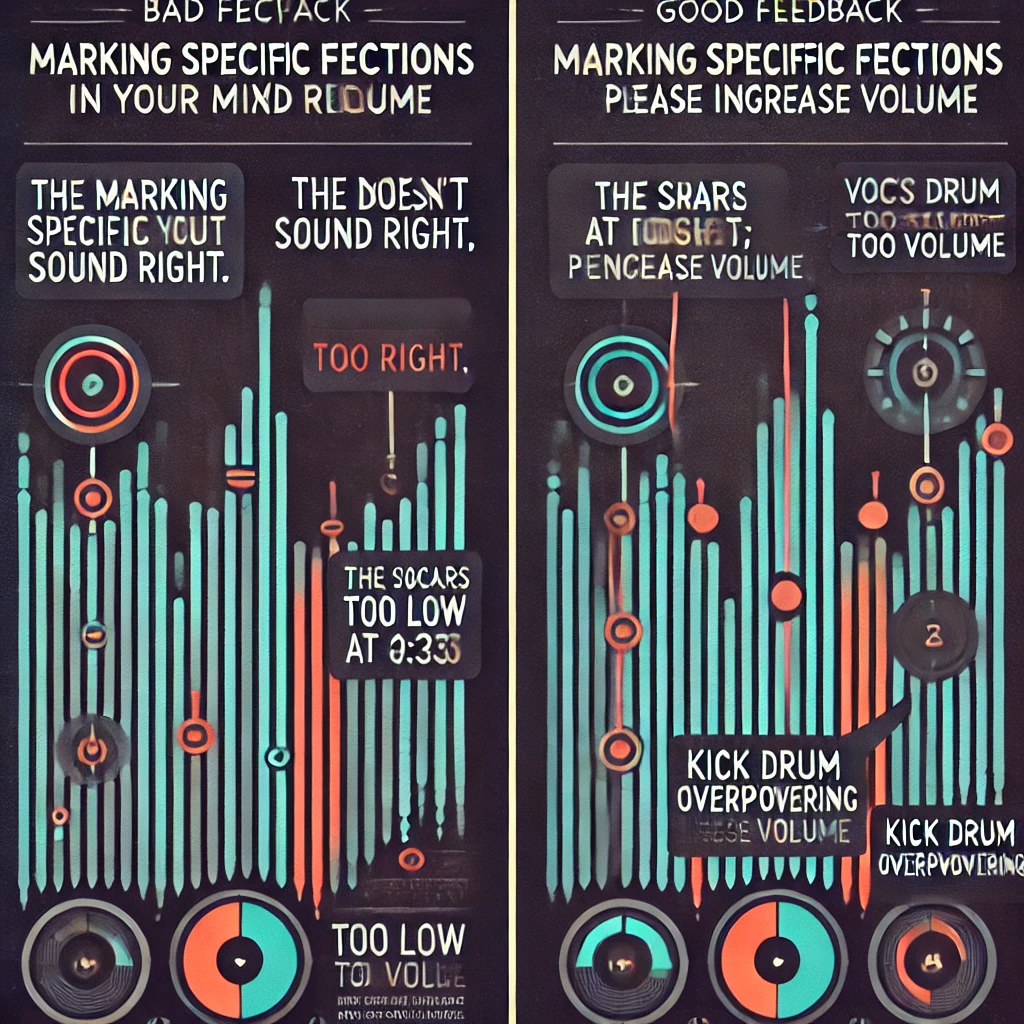
Precision saves time and ensures efficiency. Give your engineer precise instructions:
- Where: “The hi-hat sounds too dominant at 1:23 in the chorus.”
- What: “The vocals could sound brighter and clearer.”
- Who: “Please raise the treble of the vocals slightly.”
Use tools like visual markers in your DAW or notes to mark places in the song.
With us, you can discuss any changes you want remotely at any time – uncomplicated and flexible. Contact us now and take your sound to the next level!
Use reference tracks sensibly
Reference tracks are a powerful tool to help your engineer understand the sound you want, but be specific:
- "I love the punch of the kick drum in this track."
- “The vocals in the chorus sound beautifully present and broad.”
💡 Pay attention to: Choose reference tracks that fit the style of your song. Differences in key, tempo or instrumentation can lead to misunderstandings.
Use articles on reference tracks correctly.
Avoid common mistakes when giving feedback
- Inaccurate statements: Avoid vague phrases like “It doesn’t sound good.”
- No context: Make sure you include timing and details.
- No structure: Chaotic feedback leads to confusion and delays.
The Checklist: Structure your feedback perfectly
Use our free checklistto convey your feedback clearly and in a structured manner:
Constructive feedback is the key to a successful online mixing and online masteringprocess. With the right terminology, precise information, and clear communication, you can optimally support your engineer and ensure that your track sounds exactly the way you want it to.