5 professional drum reverb tricks for impressive drums
When it comes to that Mixing Drums with Reverb When it comes to drums, the right use of reverb can make the difference between a flat, unassuming sound and a powerful, dynamic mix. Reverb not only gives your drums space and depth, but also helps them stand out in the mix. In this post, I'll share my five best Drum Reverb Tips with you so that your drums shine in every song.
Why reverb is important for drums
reverb is an indispensable tool for giving your drums space and giving them the feeling of a real recording situation. Without reverb, drums often sound flat and lifeless. The targeted use of reverb can make the sound more three-dimensional and professional by increasing the sense of space and highlighting certain elements in the mix. This Drum reverb techniques are essential to get the most out of your recordings.
1. The right reverb type for kick, snare and toms
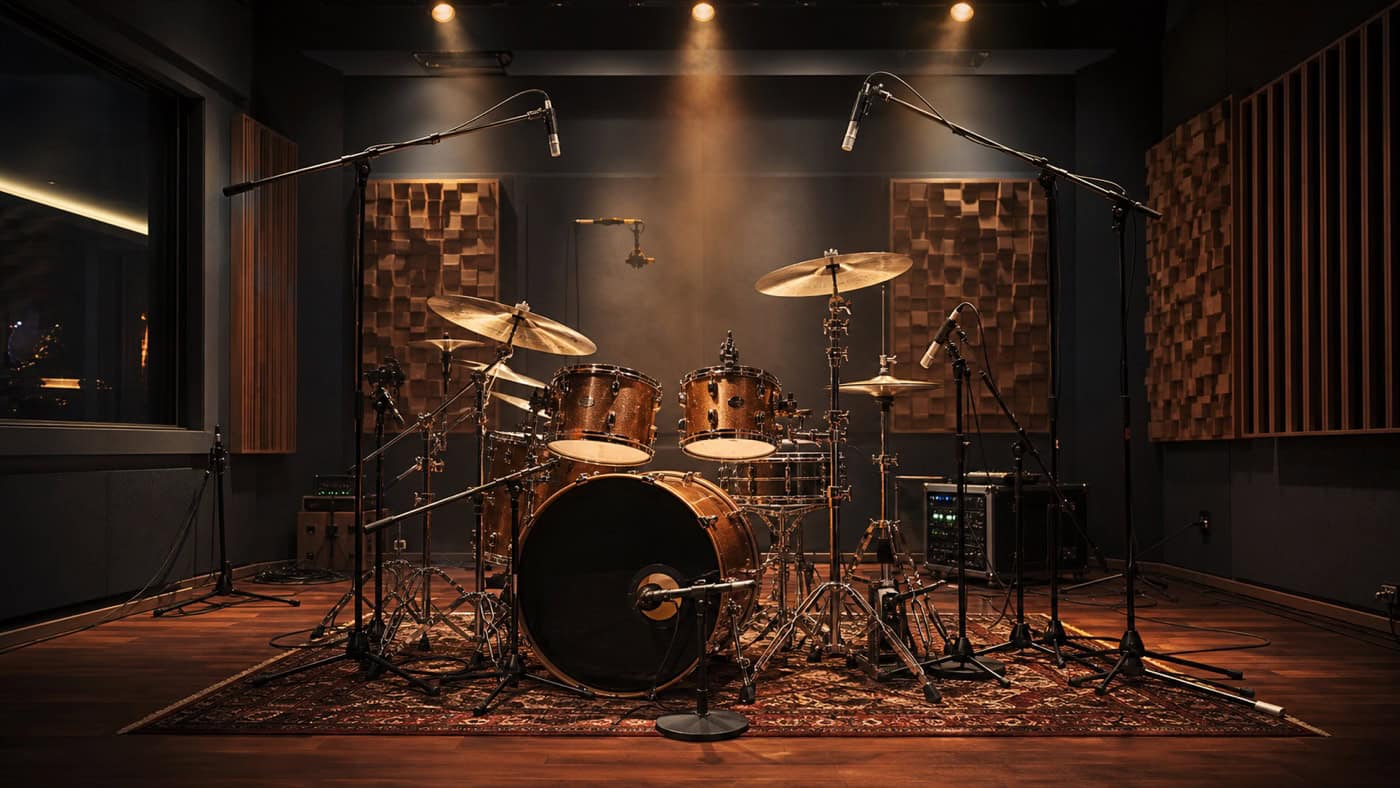
The first step in Mixing Drums with Reverb is to choose the right reverb type. It often makes sense to start with a short reverb, especially when working on kick and snare. Short room reverbs give these elements more dimension without overloading the mix. This best reverb settings for drums ensure that your kick and snare sound present and powerful.
A good practice is to use a separate FX channel for the reverb. This gives you more flexibility and allows you to apply the reverb precisely to the different drum elements. For example, if you put a short room reverb on the snare and kick, you give these drums an extra dose of presence and depth. This is especially helpful if you want to best reverb for drums looking.
2. Using long reverb for the snare
If you want to add more depth and character to your snare, a long reverb, such as a plate reverb, is ideal. Especially on ballads or slower songs, a longer reverb effect can give the snare a beautiful, expansive sound that adds more space and emotion to the mix.
The EMT-140 from UAD, for example, is a great plugin for creating that metallic, characterful sound. But as always, less is more. Experiment with the amount of reverb to find just the right balance between depth and clarity. This Drum Mixing Tips help you to optimally integrate the snare into your mix.
3. Expanding the overhead and surround sound
A natural room sound is crucial to making the entire drum kit sound lively and realistic. This is where the use of drum room simulations comes into play. Tools such as the "Reverence" plugin in Cubase or the "Sound City Studios" plugin from UAD offer you the opportunity to emulate authentic room sounds.
This method is particularly useful if you are recording in a smaller studio and want to expand the spatial sound of your overheads and room mics. By adding a natural spatial effect around the entire drum kit, the sound immediately becomes bigger and more realistic. The Using reverb to enhance drum sound can enhance your entire drum setup.
4. Reverb equalizing for clarity and transparency
One of the most common mistakes when working with reverb is neglecting equalization. Without the use of EQ the reverb can quickly sound muddy and undifferentiated. Especially with drums, it is important to control the low frequencies in order to achieve a clean and transparent sound.
A simple trick is to use High-pass and low-pass filters on the reverb channel. This allows you to eliminate low frequency rumble and tame the high frequencies to achieve a natural and balanced reverb. This Reverb EQ Settings are crucial to achieve a clear and precise mix.
5. Using samples instead of reverb plugins
Reverb plugins are not always the only solution for creating spatial sound. An excellent alternative is to work with room samples. These real recordings in good sounding studios offer an incomparable quality that often sounds more realistic and direct than artificially created reverb.
You can easily load room samples into a sampler like Slate Digital's Trigger and mix them with your dry drum recordings. This technique gives you maximum flexibility and allows you to find the perfect room sound for your mix. This can be especially useful if you are a professional Drum mixing services online uses.
Bonus trick: Pre-delay for more punch
A small but effective trick to preserve the punch of your drums is to add pre-delay to the reverb. Pre-delay delays the start of the reverb, allowing the initial attack of the drums to come through undisturbed. Especially with longer reverbs, this is an easy way to preserve the punch of the drums without sacrificing the spatial effect.
You can start with a pre-delay time of 10 to 30 milliseconds and adjust it depending on the tempo and style of the song. This little trick can add an extra dimension to your drum mix.
Gate use: Keep room reverberation under control
Long reverb can add impressive depth to your drum sound, but it also runs the risk of overloading the mix and making it sound muddy. This is where using a gate comes in. With a gate, you can control the length of the reverb and prevent the room reverb from becoming too dominant.
A gate cuts off the reverb as soon as the actual drum hit has died down, which can be especially important for slow songs or ballads. You can adjust the release time of the gate so that the reverb fades out smoothly without making the reverb tail unnecessarily long.
A typical scenario would be applying a gate to the reverb on your snare drum. Set the gate to cut off the reverb after a few hundred milliseconds. This will keep the rich, deep sound of the long reverb without overloading the mix with too much reverb tail. This will give your drum mix more clarity and precision.
Summary: Key takeaways about intuitive eating
With the right one Drum reverb techniques you can transform your drums from inconspicuous to extraordinary. Whether short room reverb, long plate reverb, natural room simulations or the use of samples - the possibilities are varied and offer you a wide range of creative tools.
At Peak-Studios, we place great importance on masterfully applying such techniques to take your sound to the next level. Our professional Online mixing and mastering services are available to you, and we also offer individual courses so that you can perfect your own mixing and mastering.
Place drums in the overall mix: Our tutorial shows you how transients, spatial depth, and dynamics interact throughout the entire mixing process. Mixing Guide in a structured process.